Every BuzzWire guide
95 articles, newest first. Page 4 of 8.
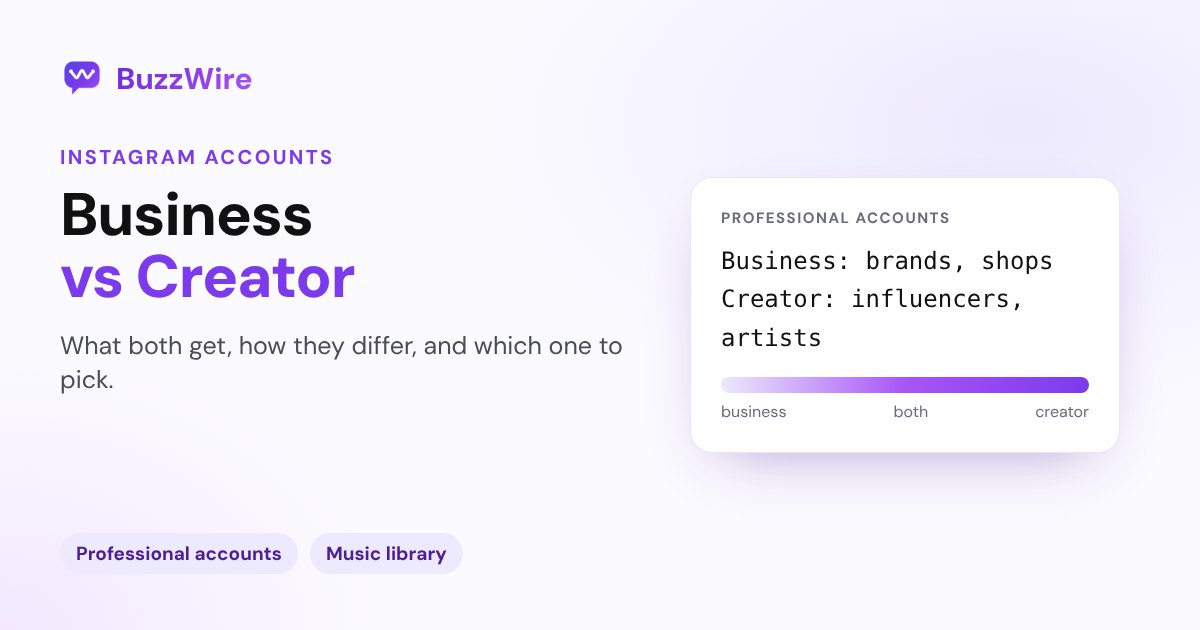
Instagram Business vs Creator Account: Which to Choose
Business accounts suit brands and shops; creator accounts suit influencers and artists. What both get, how they differ, the music catch, and how to switch.
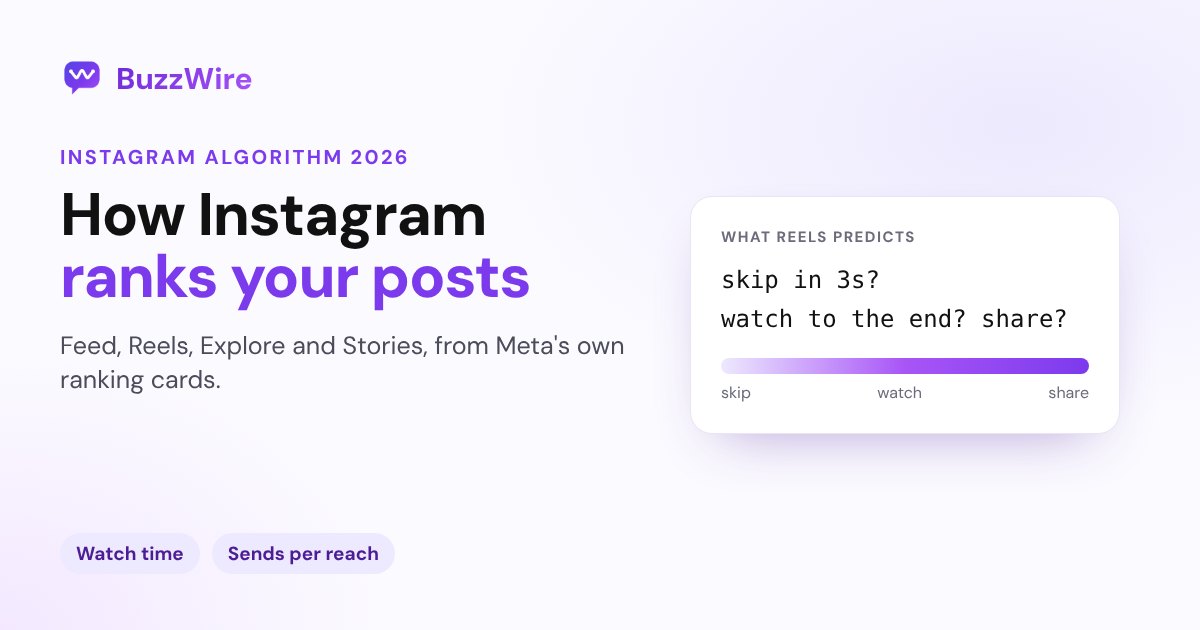
Instagram Algorithm 2026: How Feed, Reels and Explore Rank
There's no single Instagram algorithm. Meta's own ranking cards for Feed, Reels, Explore and Stories, the signals they predict, and what to do about it.
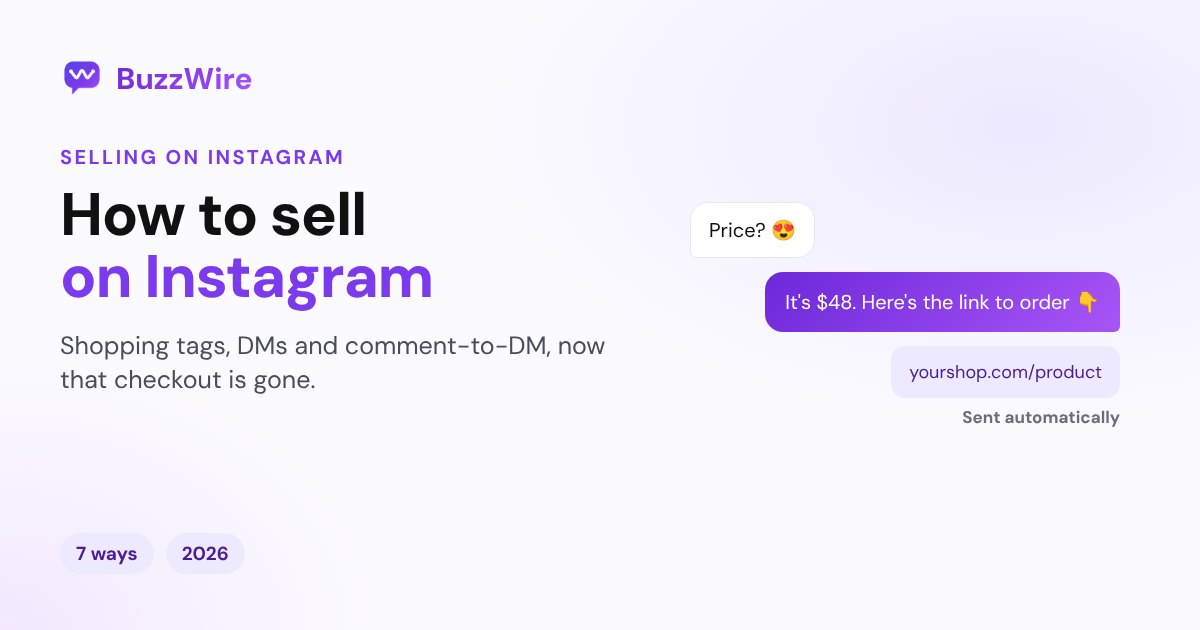
How to Sell on Instagram in 2026: 7 Ways That Work Now
How to sell on Instagram now that in-app checkout is gone: shopping tags, DMs, comment-to-DM, links, ads and creators. Steps, rules and what each costs.
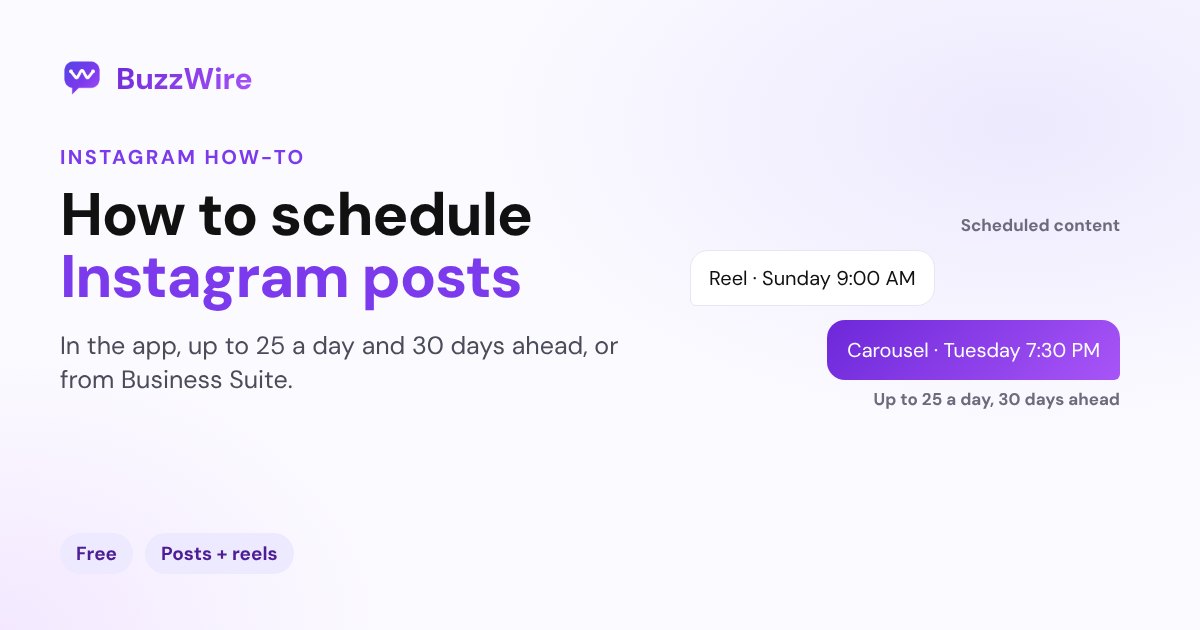
How to Schedule Instagram Posts: App, Desktop and Tools
Schedule Instagram posts, carousels and reels in the app, up to 25 a day and 30 days ahead, or from a computer with Meta Business Suite. Steps and limits.
How to Grow on Instagram in 2026: 12 Tactics That Work
12 ways to grow on Instagram in 2026, built on what Meta says its ranking systems reward: watch time, shares, comments, original reels and trial reels.
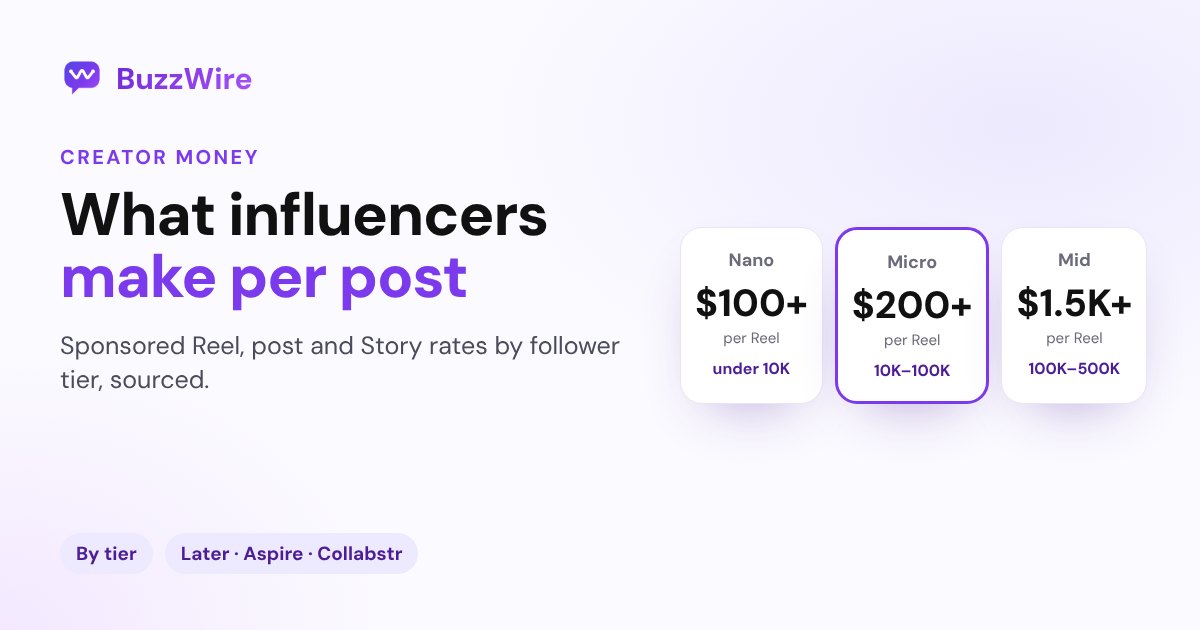
How Much Do Influencers Make per Post in 2026? By Tier
What Instagram influencers charge per sponsored Reel, post and Story by follower tier, from Later, Aspire and Collabstr data, plus how to price your own.
What Does Vanish Mode Mean on Instagram?
Vanish mode on Instagram makes messages disappear when someone leaves the chat. How to turn it on and off, screenshot alerts, and who can use it.
What Does Tagged Mean on Instagram? (Photos of You)
Tagged on Instagram means someone linked your account to their post. Where tagged posts show, who can tag you, and how to hide or remove a tag.
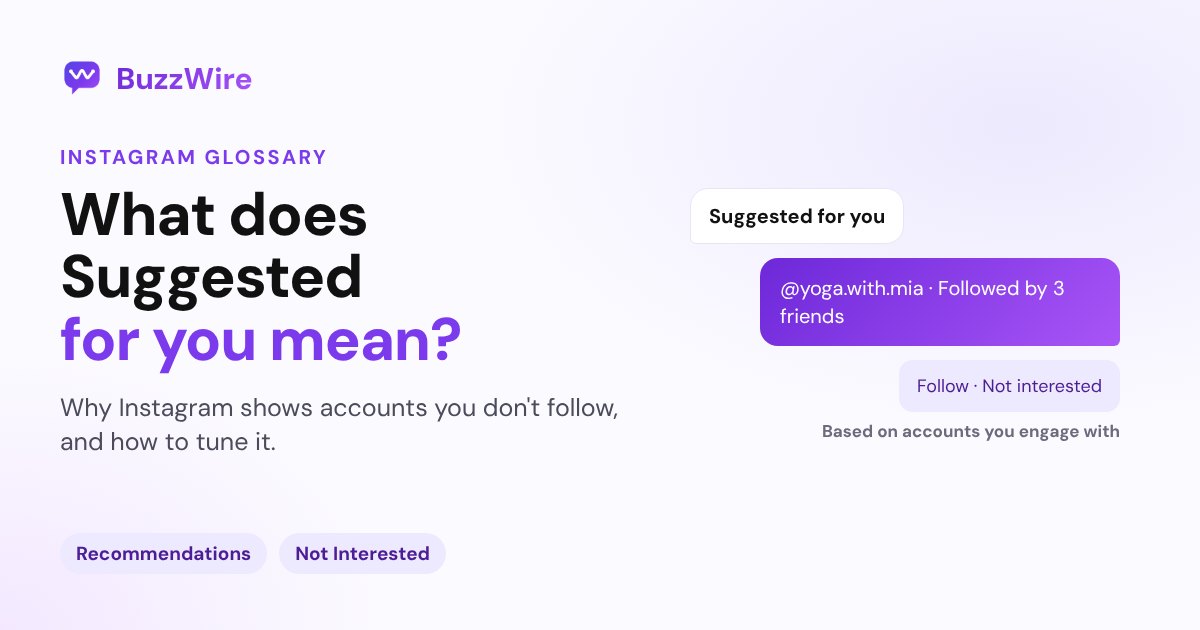
What Does Suggested for You Mean on Instagram?
Suggested for you on Instagram means posts or accounts you don't follow yet, picked from your activity. How to snooze, reset or stop being suggested.
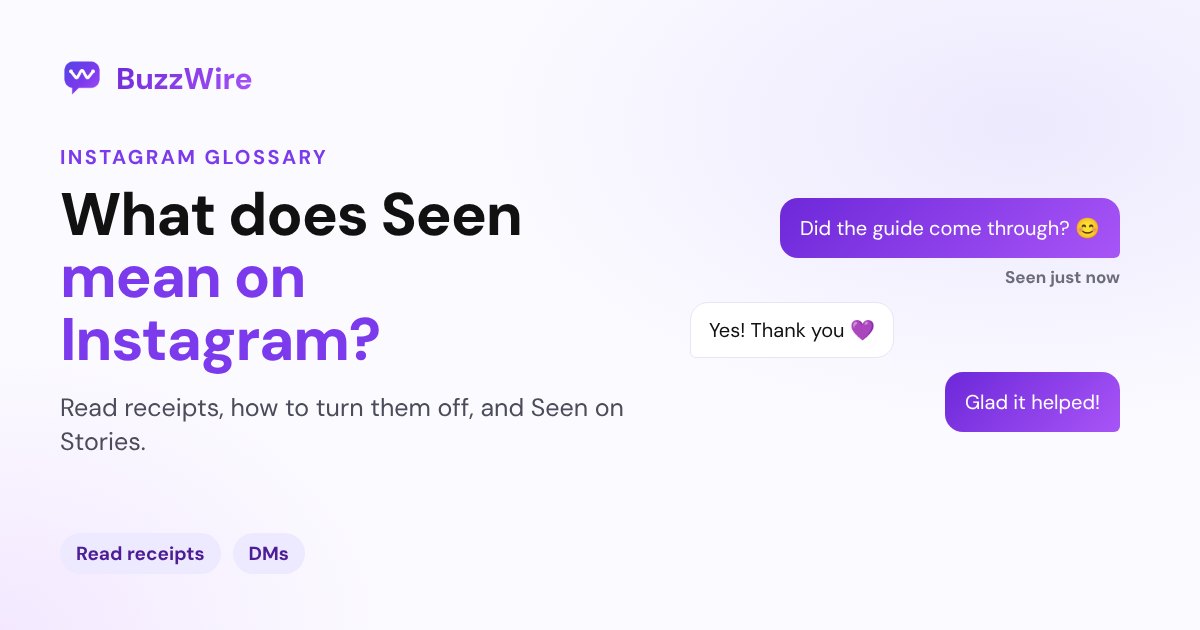
What Does Seen Mean on Instagram? (Read Receipts)
Seen on Instagram means the person viewed your message. How read receipts work, how to turn them off for one chat or all chats, and Seen on Stories.
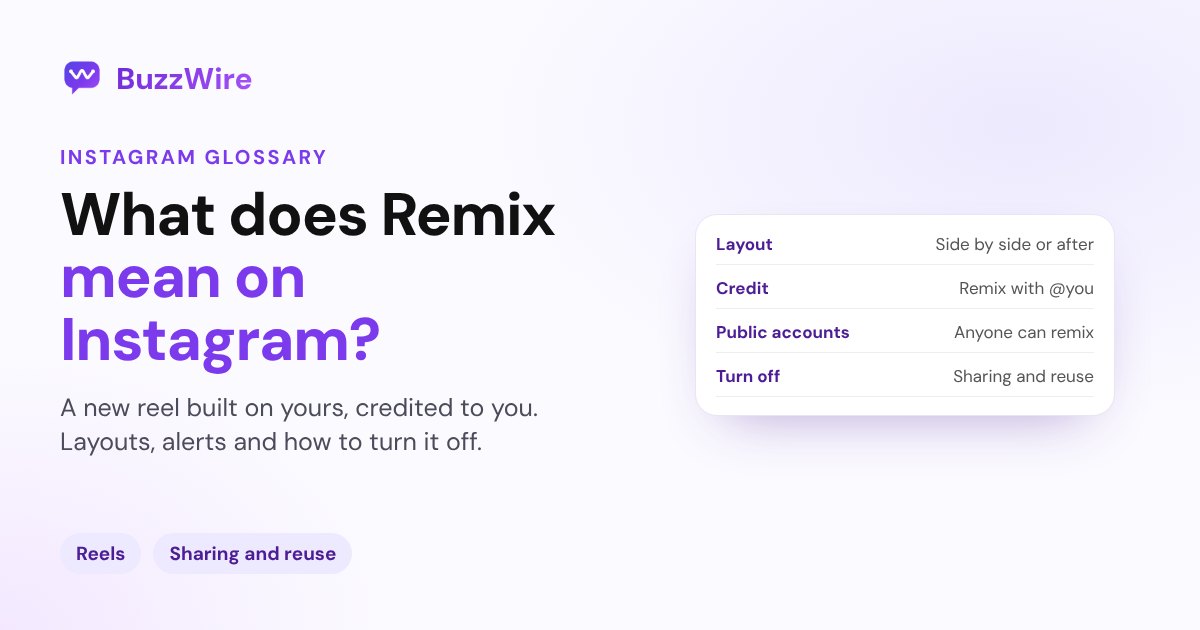
What Does Remix Mean on Instagram? (Reels and Photos)
Remix on Instagram lets someone make a reel that includes your reel or photo, credited to you. How it works, the layouts, and how to turn remixing off.
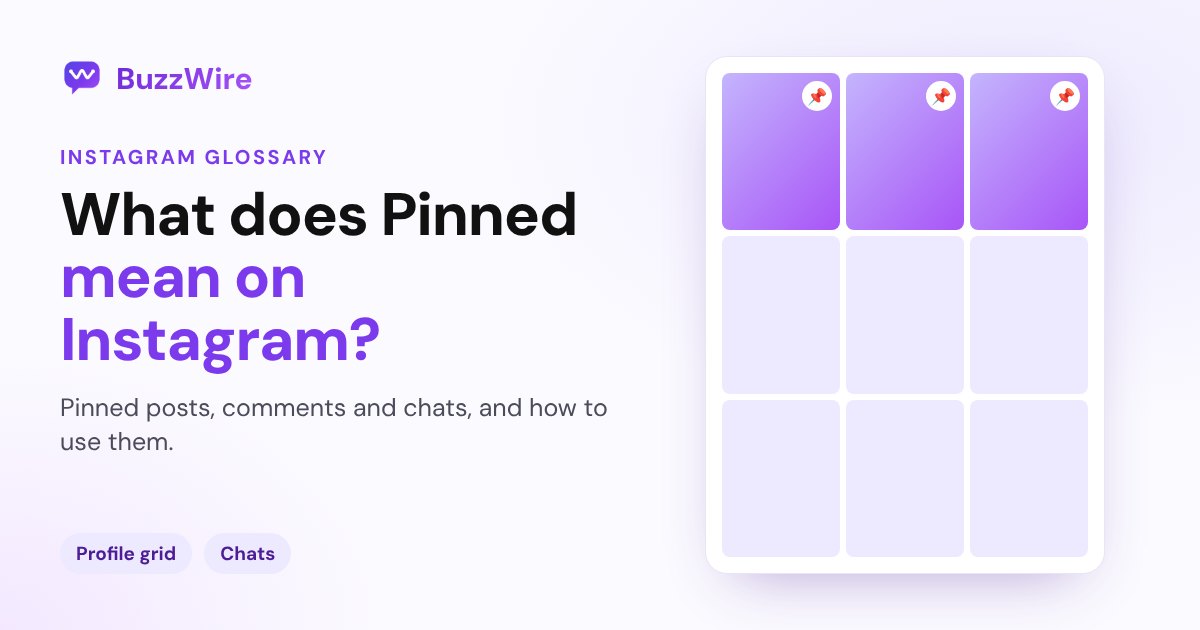
What Does Pinned Mean on Instagram? (Posts and Chats)
Pinned on Instagram means a post, chat or message is fixed at the top. You can pin up to 3 posts, 3 chats and 3 messages per chat. How to pin and unpin.