What does Tagged mean on Instagram?
Tagged on Instagram means someone linked your account to their post. Where tagged posts show, who can tag you, and how to hide or remove a tag.
On this page
- What does Tagged mean on Instagram?
- Where do tagged posts show up?
- Who can tag you on Instagram?
- How to approve tags manually
- How to hide or remove a tag
- Tagged vs Collab
- A tip for creators and brands
- FAQ
- What does Tagged mean on Instagram?
- Can people see posts I'm tagged in?
- How do I stop people from tagging me on Instagram?
- What's the difference between hiding and removing a tag?
- Does someone know if I remove their tag?
In short:
- "Tagged" means another account linked your username to their photo, video or reel.
- Tagged posts appear in the Tagged tab on your profile, unless Instagram detects them as potential spam.
- You choose who can tag you, and you can approve tags by hand before they show.
- You can hide a tagged post from your profile, or remove yourself from it completely.
- A tag doesn't share the post to your followers. A Collab does.
Everything below comes from Instagram's Help Center pages on tagged photos and videos, tag settings and removing tags, checked 27 Oct 2026.
What does Tagged mean on Instagram?
Being tagged means someone has attached your username to their post. Your handle shows on the photo or video, and people who tap it land on your profile.
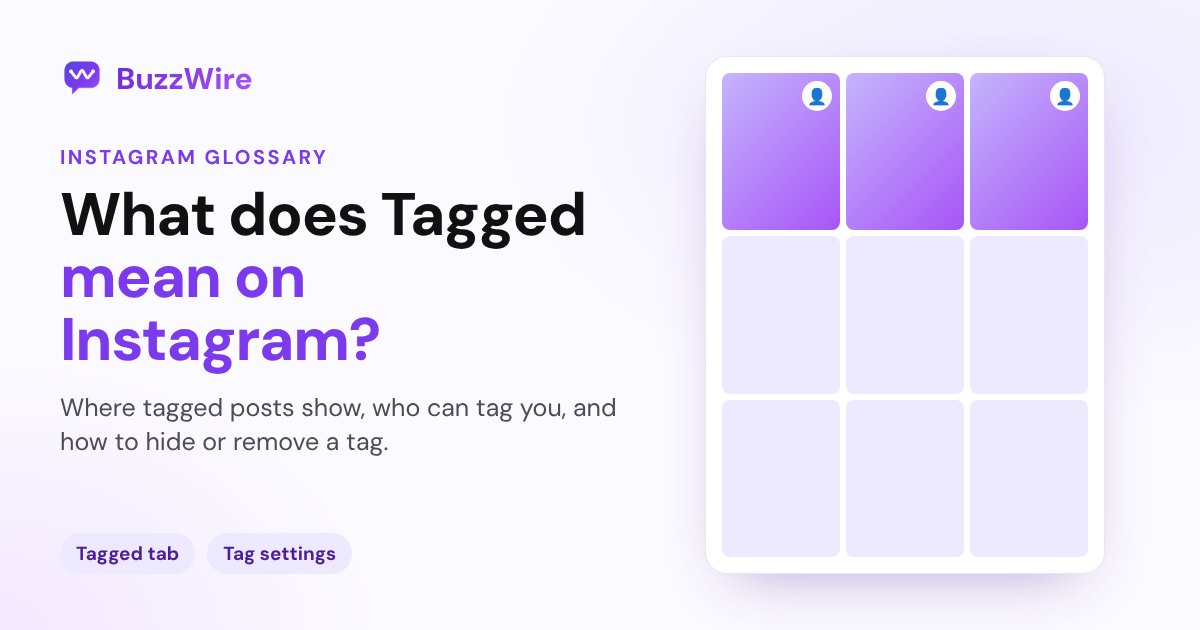
The Tagged tab is the section of your profile that collects those posts. Instagram's Help Center calls them "photos and videos of you." You can also find every tag in Menu → Your activity → Interactions → Tags.
Where do tagged posts show up?
By default, a post you're tagged in "will automatically be added to your profile unless it's been detected as potential spam." It sits in your Tagged tab, not in your main grid.
Who can see it depends on your settings. If your account is private, Instagram says "Only confirmed followers can see photos and videos that you're tagged in on your profile."
Who can tag you on Instagram?
You decide. Go to Menu → Tags and mentions → Who can tag you and choose who's allowed.
Blocking also stops tags. Instagram says that if you block someone, "they won't be able to tag you or mention your username."
How to approve tags manually
If you'd rather check posts first, turn on Manually approve tags in Tags and mentions. You'll still be notified each time you're tagged, but the post won't appear on your profile until you approve it.
To show a post you've been tagged in, tap the post, tap your username and choose Show on my profile.
How to hide or remove a tag
There are two different actions, and they do different things:
- Hide from my profile: open the post's options, then Tag options → Hide from my profile. Instagram notes that "Hiding a post from your profile doesn't remove you from the reel, photo or video itself."
- Remove me from post: tap the post, tap your username, then Remove me from post. Your tag is gone from the post.
To clean up many at once, go to Your activity → Tags, tap Select and remove several tags together.
Tagged vs Collab
A tag links your account to someone's post. A Collab makes you a co-author: the post is shared to your followers and appears on your profile grid too. Instagram's Help Center draws the line: a tag doesn't share the post with your followers.
A tip for creators and brands
Tags are free social proof. When a customer or fan tags you, it shows up where new visitors browse. Ask for tags in your captions and Stories, and thank people who tag you. If you run comment-to-DM on your own posts, a tagged post from a happy customer is a good one to share to your Story with your keyword. See our guide to getting more comments.
FAQ
What does Tagged mean on Instagram?
It means another account added your username to their photo, video or reel. Your handle appears on the post and links to your profile, and the post shows in the Tagged tab on your profile unless you've hidden it or Instagram flagged it as possible spam.
Can people see posts I'm tagged in?
Yes, in your profile's Tagged tab, depending on your privacy. If your account is private, only your approved followers can see the tagged posts on your profile. You can also hide any tagged post from your profile at any time.
How do I stop people from tagging me on Instagram?
Go to Menu → Tags and mentions → Who can tag you and limit it. You can also turn on Manually approve tags, so nothing shows on your profile until you approve it. Blocking an account stops it from tagging you at all.
What's the difference between hiding and removing a tag?
Hiding takes the post off your profile, but your name stays on the post itself. Removing yourself takes your tag off the post completely. Use Hide from my profile for the first and Remove me from post for the second.
Does someone know if I remove their tag?
Instagram's Help Center doesn't say that it notifies the person. Your username simply stops appearing on their post once you remove yourself.
Turn tags and comments into conversations. Start free on BuzzWire and let keyword DMs send your links.