What does Seen mean on Instagram?
Seen on Instagram means the person viewed your message. How read receipts work, how to turn them off for one chat or all chats, and Seen on Stories.
On this page
- What does Seen mean in Instagram messages?
- How to turn off read receipts on Instagram
- Does Seen show on Instagram stories?
- Seen vs Active now
- A tip for creators
- FAQ
- What does Seen mean on Instagram?
- Can I read an Instagram message without it saying Seen?
- Why does my message say Seen but no reply?
- Can people see that I viewed their Instagram story?
- Does turning off read receipts hide Seen for every chat?
In short:
- "Seen" on Instagram is a read receipt: it means the person opened the chat and viewed your message.
- Instagram says read receipts "allow others in a chat on Instagram to see when you've viewed their message".
- You can turn read receipts off for one chat or for all chats, in the Instagram app.
- A setting you choose inside one chat stays as it is, even if you change the setting for all chats later.
- On stories, viewing is always visible: Instagram says the person "will be able to tell that you've seen it".
Everything below comes from Instagram's Help Center pages on read receipts and story views, checked 27 Oct 2026.
What does Seen mean in Instagram messages?
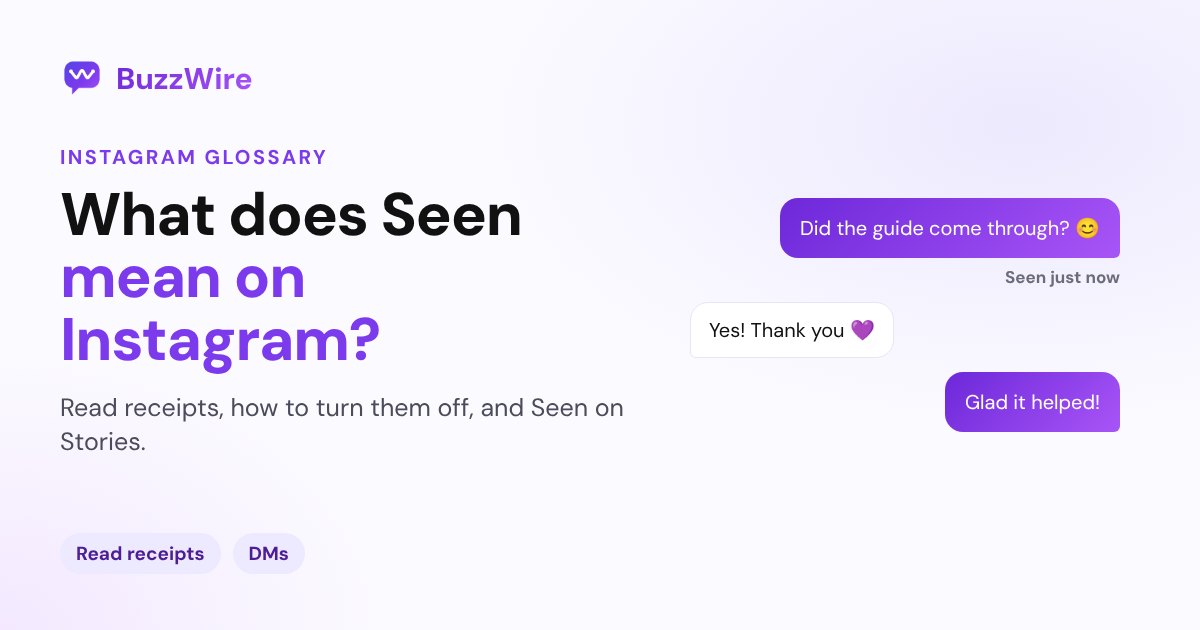
It means the person viewed your message. "Seen" is how a read receipt shows up in an Instagram chat.
Instagram's Help Center puts it this way: "Read receipts allow others in a chat on Instagram to see when you've viewed their message. You can manage read receipts for certain chats or for all chats."
- Seen tells you they opened the chat and the message was on screen.
- No Seen can mean they haven't opened it, or that they've turned read receipts off.
- Seen with no reply usually just means they're busy. It isn't a signal about you.
How to turn off read receipts on Instagram
Instagram lets you turn read receipts off in two places. These steps are from Instagram's iPhone help page, and the feature isn't available on computers.
For one chat:
- Tap Messages at the bottom, then open the conversation.
- Tap the chat name at the top, then tap Privacy & safety.
- Turn off Read receipts.
For all chats:
- Go to your profile and tap Menu in the top right.
- Below How others can interact with you, tap Messages and story replies.
- Tap Show read receipts, then turn off Read receipts.
Instagram adds one detail worth knowing: "If you change your read receipts for an individual chat, this change won't be impacted by any changes you make to read receipts from your account settings."
Does Seen show on Instagram stories?
Yes, and you can't hide it. Instagram's help page on story views answers the question directly: "When you see someone's Instagram story, they'll be able to tell that you've seen it."
Disappearing photos and videos work in a similar way. Instagram says you can see if one you've sent "was viewed".
Seen vs Active now
| What you see | What it means |
|---|---|
| Seen | They viewed your message (read receipts are on) |
| Active now / green dot | They're using Instagram, if both of you have Activity Status on |
| No label | They haven't opened it yet, or read receipts are off |
The green dot is a separate setting. See what Active now means on Instagram for how it works.
A tip for creators
If you send links by DM, "Seen" is a good sign: your message arrived and was read. A comment-to-DM tool sends that first message automatically when someone comments a keyword. If they reply, Instagram's 24-hour window opens for your follow-up. The Instagram DM automation guide explains how the windows work.
FAQ
What does Seen mean on Instagram?
Seen means the person opened your chat and viewed your message. It's Instagram's read receipt. If you don't see it, they may not have opened the chat yet, or they may have turned read receipts off for that chat or for all their chats.
Can I read an Instagram message without it saying Seen?
Yes, if you turn off read receipts first. You can switch them off for one chat in the chat's Privacy & safety settings, or for all chats under Messages and story replies. The setting is in the Instagram app, not on a computer.
Why does my message say Seen but no reply?
Seen only means the message was viewed. People often read a message and reply later, or not at all. Instagram doesn't tell you anything more than that the message was viewed, so it's best not to read meaning into it.
Can people see that I viewed their Instagram story?
Yes. Instagram's Help Center says that when you see someone's story, "they'll be able to tell that you've seen it". There's no setting to view stories without appearing in the viewer list.
Does turning off read receipts hide Seen for every chat?
Turning it off under Messages and story replies covers all chats. But if you set read receipts inside a single chat, that chat keeps its own setting, even when you change the setting for all chats later.
Running a busy inbox? Start free on BuzzWire and let keyword DMs answer the common questions.