What does Pinned mean on Instagram?
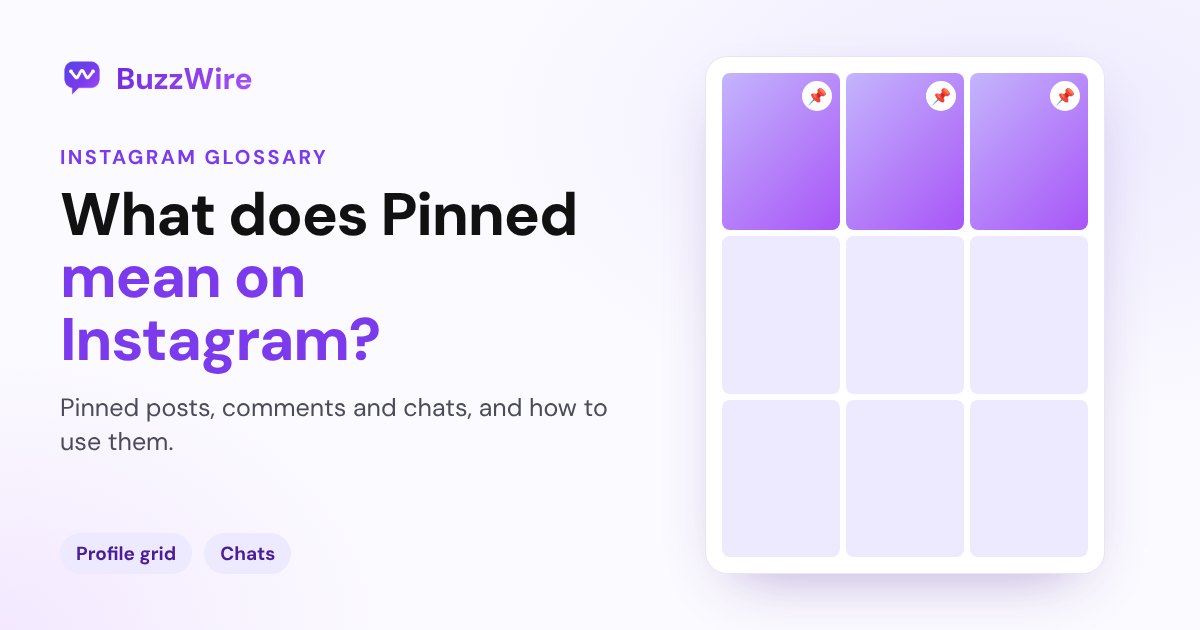
Pinned on Instagram means a post, chat or message is fixed at the top. You can pin up to 3 posts, 3 chats and 3 messages per chat. How to pin and unpin.
On this page
- What does a pinned post mean on Instagram?
- How to pin a post on Instagram
- What does a pinned chat mean in Instagram DMs?
- What does a pinned message mean in a chat?
- What about pinned comments?
- Pinned at a glance
- A tip for creators
- FAQ
- What does pinned mean on Instagram?
- How many posts can you pin on Instagram?
- Does someone know if I pin our chat?
- Why do creators pin posts?
- How do I unpin a post on Instagram?
In short:
- "Pinned" on Instagram means something is fixed at the top: a post on a profile, a chat in your inbox, or a message in a chat.
- You can pin up to 3 posts to the top of your profile.
- You can pin up to 3 chats in your inbox, and up to 3 messages inside a chat.
- A pinned message shows as a banner that everyone in the chat can see.
- When you unpin a post, it goes back to its original spot in your grid.
Everything below comes from Instagram's Help Center and Meta's newsroom, checked 27 Oct 2026. Sources are linked in each section.
What does a pinned post mean on Instagram?
A pinned post is one the account owner has fixed to the top of their profile grid. It stays there even when they post something newer. A pin icon shows on it.
Instagram's Help Center says: "You can pin up to 3 posts you share on Instagram to the top of your profile." (Instagram Help Center)
Creators pin their best posts, an introduction or a current offer, so new visitors see them first.
How to pin a post on Instagram
From Instagram's iPhone help page:
- Go to your profile and tap one of your posts.
- Tap Options in the top right.
- Tap Pin to main grid.
To unpin, follow the same steps and tap Unpin from main grid. Instagram says that "the post will return to its original spot in your profile grid."
What does a pinned chat mean in Instagram DMs?
A pinned chat stays at the top of your inbox, above newer conversations. Meta's newsroom described the ability "to pin up to three chat threads in your DM inbox". (Meta, Feb 2025)
Pinned chats change the order of your own inbox, which is handy for the conversations you return to most.
What does a pinned message mean in a chat?
A pinned message sits at the top of a single conversation, so nobody has to scroll for it. Instagram says you "can pin up to 3 messages in a chat", and that a pinned message appears "as a banner that everyone in the chat can see at the top of the conversation". (Instagram Help Center)
To pin one, Meta says: "hold down on the message and tap 'Pin.'" That works for a message, an image, a meme or a Reel.
What about pinned comments?
Instagram also lets you pin a few comments on your own posts, so a helpful comment stays at the top. Instagram announced that it would begin testing pinned comments in May 2020. (Instagram, May 2020)
Pinned at a glance
| What you pin | Where it shows | How many | Who sees it |
|---|---|---|---|
| Post or Reel | Top of your profile grid | Up to 3 | Everyone who views your profile |
| Chat | Top of your inbox | Up to 3 | You (your inbox order) |
| Message | Banner at the top of the chat | Up to 3 per chat | Everyone in the chat |
A tip for creators
Pin the post that does your best selling: the one with your free guide and a clear "Comment GUIDE" call to action. Pair it with a comment-to-DM automation, so everyone who finds it later still gets the link. Our Instagram auto DM page shows how that works.
FAQ
What does pinned mean on Instagram?
Pinned means fixed at the top. A pinned post stays at the top of a profile grid, a pinned chat stays at the top of your inbox, and a pinned message shows as a banner at the top of a conversation. You can pin up to 3 of each.
How many posts can you pin on Instagram?
You can pin up to 3 posts to the top of your Instagram profile, according to Instagram's Help Center. Tap the post, tap Options, then Pin to main grid. To swap one out, unpin it first, and it returns to its original place in your grid.
Does someone know if I pin our chat?
Instagram describes a pinned chat as one that stays at the top of your inbox, and doesn't say the other person is told. Pinning a message inside the chat is different: Instagram shows a pinned message as a banner that everyone in the chat can see.
Why do creators pin posts?
Creators pin posts so new visitors see their best content first: an introduction, a top Reel, or a current offer. A pinned post with a keyword call to action keeps bringing in comments, and DMs, long after it was posted.
How do I unpin a post on Instagram?
Open the pinned post on your profile, tap Options in the top right, then tap Unpin from main grid. Instagram moves the post back to its original spot in your profile grid, based on when you first posted it.
Make your pinned post work harder. Start free on BuzzWire, with unlimited DMs and no card.