What does Suggested for you mean on Instagram?
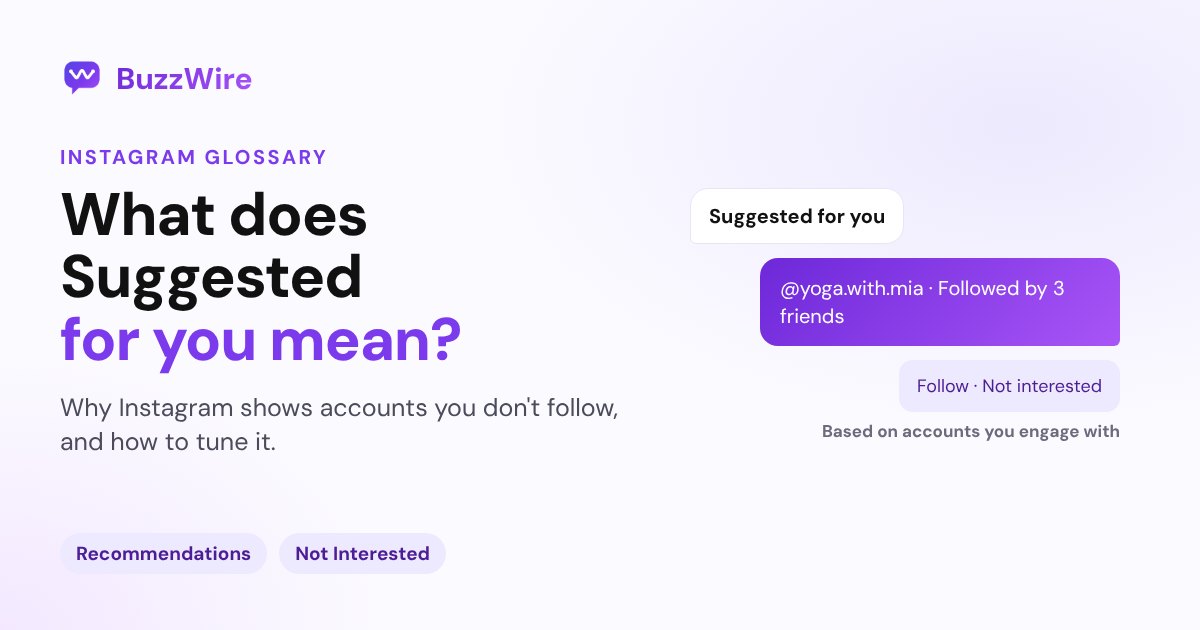
Suggested for you on Instagram means posts or accounts you don't follow yet, picked from your activity. How to snooze, reset or stop being suggested.
On this page
- What does Suggested for you mean on Instagram?
- Why does Instagram suggest these posts and accounts?
- How to see fewer suggested posts
- How to stop your account appearing in suggestions
- A tip for creators
- FAQ
- What does Suggested for you mean on Instagram?
- Why am I seeing suggested posts on Instagram?
- Can I turn off Suggested for you on Instagram?
- Does Suggested for you mean they looked at my profile?
- How do I stop my account being suggested to others?
In short:
- "Suggested for you" means Instagram is showing you a post or an account you don't follow yet.
- Instagram says recommendations help people "discover new communities and content from accounts they don't already follow".
- Suggestions are based on "what and whom you've followed, liked or engaged with recently".
- You can mark a suggestion Not Interested, snooze suggested posts, or reset your suggested content.
- You can also stop your account being suggested on other people's profiles, from a computer.
This page uses Instagram's Help Center and Meta's newsroom, checked 27 Oct 2026. Sources are linked in each section.
What does Suggested for you mean on Instagram?
It's a recommendation. Instagram is showing you something from an account you don't follow, because it thinks you'll like it.
Instagram's Help Center explains the idea: "We make recommendations on Instagram to help people discover new communities and content from accounts they don't already follow." (Instagram Help Center)
You'll see suggestions in a few places:
- In your feed, as suggested posts between posts from people you follow.
- After you're caught up, in a section Instagram calls Suggested Posts. (Help Center)
- On profiles, when you tap Follow and Instagram shows similar accounts.
Why does Instagram suggest these posts and accounts?
Because of your recent activity. Instagram's ranking explainer says your feed includes "posts from accounts you don't already follow that we think you might be interested in", based on "what and whom you've followed, liked or engaged with recently". (Instagram, Ranking Explained)
That's why a few likes on cooking Reels can fill your feed with recipe accounts.
How to see fewer suggested posts
- Not Interested: tap the three-dot menu on a suggested post and choose Not Interested.
- Snooze: Meta's newsroom described snoozing all suggested posts in your feed for 30 days, by tapping the X on a suggested post. (Meta, Aug 2022)
- Reset: go to your profile, tap More options, then Content preferences and Reset suggested content. Meta introduced this in November 2024. (Meta, Nov 2024)
Menu names change between app versions, so look for these labels if yours look slightly different.
How to stop your account appearing in suggestions
When someone taps Follow on your profile, Instagram shows them "suggestions of similar profiles they might also want to follow". You can turn this off, but only on a computer or mobile browser. (Instagram Help Center)
- Click your profile picture to go to your profile.
- Click Edit profile.
- Turn off Show account suggestions on profiles, then click Submit.
Instagram notes the trade-off: "when you turn off account suggestions for your profile, you won't appear as a suggestion on someone else's profile either."
A tip for creators
Being suggested is how new people find you. Most creators leave account suggestions on, because every suggestion is a chance at a new follower. When those new people comment on a post, a keyword DM can welcome them with your link straight away. See how in our Instagram comment-to-DM guide.
FAQ
What does Suggested for you mean on Instagram?
It means Instagram is recommending a post or account you don't follow yet. Instagram picks suggestions from what and whom you've followed, liked or engaged with recently, to help you discover new accounts and content.
Why am I seeing suggested posts on Instagram?
Instagram mixes in posts from accounts you don't follow, based on your recent activity. Once you've seen the latest posts from people you follow, Instagram shows a Suggested Posts section. Liking or watching certain topics makes similar suggestions more likely.
Can I turn off Suggested for you on Instagram?
You can't remove suggestions completely, but you can mark posts Not Interested, reset your suggested content under Content preferences, or snooze suggested posts in your feed. To stop your account being suggested to others, turn off Show account suggestions on profiles from a computer.
Does Suggested for you mean they looked at my profile?
Not necessarily. Instagram describes suggestions as based on activity such as follows, likes and engagement, and doesn't say they come from profile visits. So a suggestion on its own isn't a sign that someone looked at your profile.
How do I stop my account being suggested to others?
On a computer or mobile browser, open your profile, click Edit profile and turn off Show account suggestions on profiles, then click Submit. Instagram says you then won't appear as a suggestion on other people's profiles either.
Turn new followers into conversations. Start free on BuzzWire, with unlimited DMs and no card.