What does Vanish mode mean on Instagram?
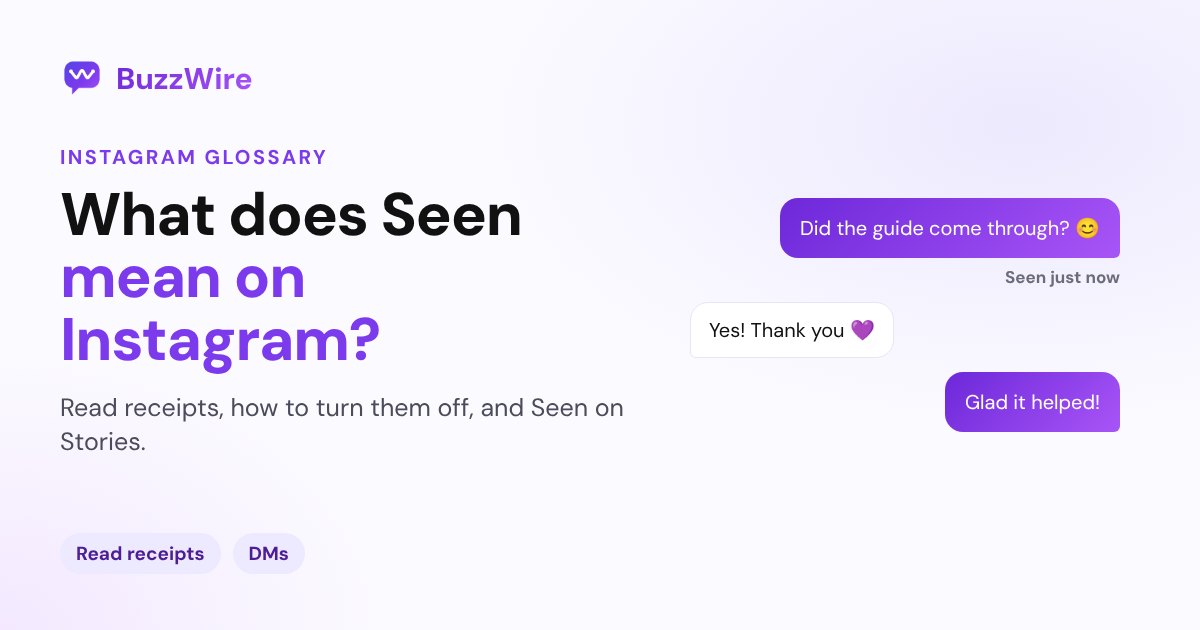
Vanish mode on Instagram makes messages disappear when someone leaves the chat. How to turn it on and off, screenshot alerts, and who can use it.
On this page
- What does Vanish mode mean on Instagram?
- How to turn vanish mode on and off
- What happens in vanish mode?
- Who can use vanish mode?
- Vanish mode vs disappearing messages
- What vanish mode means for businesses and creators
- FAQ
- What does Vanish mode mean on Instagram?
- How do I turn off vanish mode on Instagram?
- Does vanish mode notify the other person about screenshots?
- Why can't I use vanish mode on Instagram?
- Is vanish mode still on Instagram in 2026?
In short:
- Vanish mode is a chat setting where messages disappear once someone leaves the chat or turns it off.
- Swipe up in a chat to turn it on, and swipe up again to turn it off.
- You can't copy, save or forward messages sent in vanish mode.
- Instagram notifies you if it detects that the other person took a screenshot.
- It may not be available in Europe, and some professional accounts can't receive vanish mode messages.
Everything below comes from Instagram's Help Center page on vanish mode, checked 27 Oct 2026.
What does Vanish mode mean on Instagram?
Vanish mode is a temporary chat inside your normal DM thread. Instagram's Help Center says vanish mode content "disappears when someone leaves the chat or turns vanish mode off."
It works inside a one-to-one chat with another Instagram account, and you switch it on and off yourself.
How to turn vanish mode on and off
From Instagram's Help Center: "From your chat, swipe up to turn on vanish mode. To turn off vanish mode, swipe up in your chat."
- Turn on: open a chat and swipe up from the bottom.
- Turn off: swipe up again in the same chat.
- Messages vanishing unexpectedly? Check whether vanish mode is on in that chat, and swipe up to turn it off.
What happens in vanish mode?
- Messages disappear when someone leaves the chat or vanish mode is turned off.
- No copying, saving or forwarding: "You won't be able to copy, save or forward disappearing messages."
- Screenshots: "You'll receive a notification if we detect that they take a screenshot."
- One-to-one only: it works in a chat with another Instagram account.
Who can use vanish mode?
Not everyone, and not everywhere:
- Location: "This feature may be unavailable for countries located in Europe."
- Professional accounts: "Certain professional accounts can't receive messages in vanish mode."
- People you haven't connected with: they "can't send you message requests in vanish mode."
Vanish mode vs disappearing messages
Instagram has a separate, newer feature called disappearing messages, which uses a timer. Its Help Center page says it's "only available in certain locations" and uses the same swipe-up gesture. The two pages describe saving and forwarding differently, so check the banner in your chat to see which mode you're in.
What vanish mode means for businesses and creators
Vanish mode is built for personal chats. For business conversations, you usually want a record: a link someone asked for, an order question, an email address they shared. Instagram notes that some professional accounts can't receive vanish mode messages at all. Keep business DMs in normal chats, and if a customer can't find a link you sent, ask whether they were in vanish mode. Our post on Instagram DMs not working covers other reasons a message seems to disappear.
FAQ
What does Vanish mode mean on Instagram?
Vanish mode is an Instagram chat setting where messages disappear once someone leaves the chat or turns vanish mode off. You turn it on by swiping up in a chat. Messages can't be copied, saved or forwarded, and Instagram alerts you if it detects a screenshot.
How do I turn off vanish mode on Instagram?
Open the chat and swipe up again. Instagram's Help Center says, "To turn off vanish mode, swipe up in your chat." The chat goes back to normal, and new messages stay as usual.
Does vanish mode notify the other person about screenshots?
Yes. Instagram's Help Center says, "You'll receive a notification if we detect that they take a screenshot."
Why can't I use vanish mode on Instagram?
It may not be available in your country, especially in Europe, according to Instagram. Some professional accounts can't receive vanish mode messages, and people you haven't connected with can't send you message requests in vanish mode.
Is vanish mode still on Instagram in 2026?
Yes. Instagram's Help Center page for vanish mode was live when we checked on 27 Oct 2026, alongside a newer timer-based feature called disappearing messages.
Keep your business DMs organized. Start free on BuzzWire and send links to everyone who comments.