Instagram image-card DMs
Image-card DMs send a photo, a title and a tappable button instead of a bare link. BuzzWire turns any automation into a small product card, right in the Instagram chat.
Verified Meta Tech Provider · Official Instagram API · Cancel anytime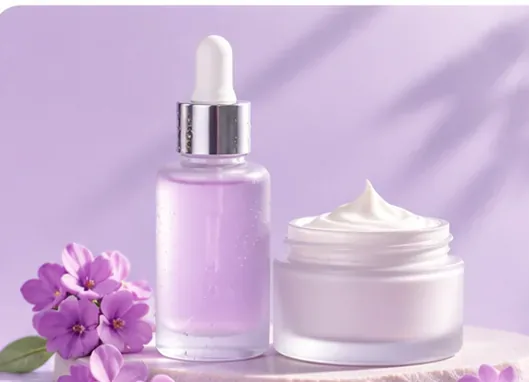
- What it does
- Sends a photo, a title and a button
- Works with
- Comment, DM keyword and story-reply flows
- Plan
- Pro, 14 days free for new accounts
- Button
- Opens your link
- Best for
- Products, menus, courses and bookings
How image-card DMs work
Three steps in the BuzzWire app, no code.
- Step 1
Choose Image card
In the DM step of any flow, switch from Text message to Image card.
- Step 2
Add photo, title and button
Upload a photo, write a short title and choose what the button says.
- Step 3
Preview and go live
Check the card on the iPhone preview, then switch the flow on.
Examples you can copy
One clear photo, a short title and a button that says what happens next.
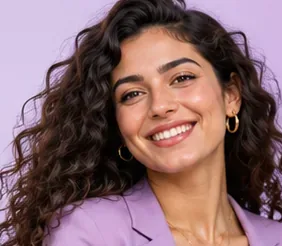 lena.stylesFashion shopDROP
 omar.eatsRestaurantMENU
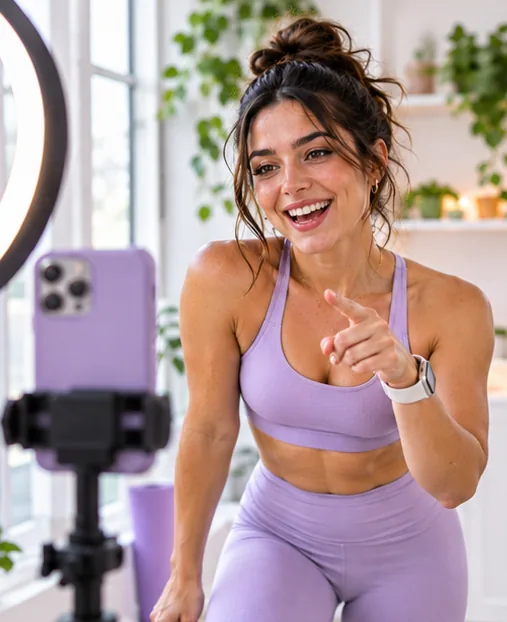
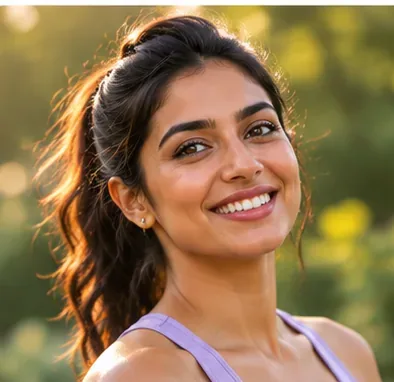 maya.createsFitness coachPLAN
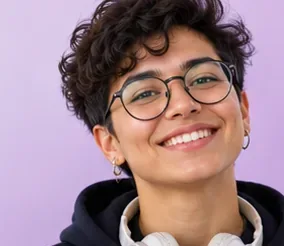 kai.codesTech creatorGEAR

Everything you can set
Photo, title and button
ProA small card instead of a bare link.Your button text
ProShop now, Get the plan, Book a table: you choose.Works on every trigger
ProComments, DM keywords and story replies.Intro text variations
FreeSpintax and {{username}} on the line above the card.Any language
FreeWrite the title and button in your audience’s language.One link per DM
FreeThe button opens one clear destination.Pairs with Follow Gate
ProAsk for a follow, then send the card.Pairs with lead capture
ProCollect the email, then send the card.iPhone preview
FreeSee the card before it goes live.
Made for Instagram’s chat
Image cards follow the same messaging rules as every BuzzWire DM.
What image cards follow
- Only people who askedCards go to people who commented, DMed or replied to your story.
- One link per DMThe button opens one destination, which reads clearly in the chat.
- Same timing rulesComment replies go out within 7 days; DM and story replies inside the 24-hour window.
How BuzzWire keeps it safe
- Official API and Instagram LoginNo password shared, no browser bots.
- Human-like pacingEvery send is paced within Instagram’s limits.
- Message variationsWording rotates so replies feel personal.
- STOP and link safetySTOP is always honored and risky links are blocked.
More detail: how we protect your account · Instagram DM limits
Image-card DMs are part of Pro
Free
$0 forever- Comment to DM, DM keywords and story replies
- Unlimited DMs and automations
- Public replies and message variations
- Any-language DMs and buttons
- Full safety suite
Pro
$9.99/mo- Everything in Free
- Image-card DMs
- Follow Gate and Follow Nudge
- In-DM lead capture + CSV
- No BuzzWire line on your DMs
Every new account gets 14 days of Pro, no card. Compare plans
“It is easy to set up, the workflow builder is simple to understand, and I was able to quickly create Instagram DM and comment-to-link automations.”
Turn your next comment section into followers and leads
Free forever, with 14 days of Pro to start.
Start free — no cardVerified Meta Tech Provider · Official Instagram API
Frequently asked questions
Buttons, triggers and plans.
What is an image-card DM on Instagram?
It’s an automated Instagram DM that shows a photo, a title and a tappable button instead of a plain link. BuzzWire can send one from any comment, DM keyword or story-reply automation.
Are image-card DMs free?
Image-card DMs are part of Pro, at $9.99/mo or $79/yr. Every new account gets 14 days of Pro free, no card needed. Compare plans →
What can the button link to?
Any page: a product, a booking page, a recipe, a course, a video or the link to a PDF.
Which automations can send image cards?
All three: comment to DM, DM keyword automation and story-reply automation. Comment to DM →
Can I still send plain text DMs?
Yes. Each flow lets you choose Text message or Image card, so you can use cards only where a photo helps.
Can I combine an image card with Follow Gate or lead capture?
Yes. Ask for a follow or an email first, then send the card as the final message. Follow Gate →
What works best on an image card?
One clear photo, a title of a few words and a button that says what happens next, like “Shop now” or “Get the plan”.
Is it safe for my account?
Image cards go through Instagram’s official API like every BuzzWire DM, only to people who contacted you first, paced within Instagram’s limits. How we protect your account →
Tips for better results
Use one clear photo
A close-up of the product or a bright shot of the dish reads best at chat size.
Keep the title short
Three to five words: what it is and why now, like “Spring drop: 20% off”.
Say what the button does
“Shop now”, “Book a table”, “Get the plan”. People tap buttons that tell them what happens next.