Instagram lead generation: turn comments and story replies into leads you own
Instagram lead generation without ads or scraping: a 10-step DM framework, examples for 6 niches, the 5 metrics to track and what to do with leads.
On this page
- What counts as a lead on Instagram?
- Why most "Instagram lead generation tools" are scrapers
- The three organic triggers that produce a lead
- The four Meta rules that shape DM lead capture
- How to set up Instagram DM lead generation: a 10-step framework
- What to ask for, and when
- Examples by niche
- 1. Fitness coach
- 2. Business or career coach
- 3. Real estate agent
- 4. Beauty creator
- 5. Ecommerce or D2C brand
- 6. Food or recipe creator
- Instagram lead forms vs capturing the lead inside the DM
- Bio link vs the DM: where the friction is
- The 5 metrics to track
- What to do with the leads
- How to choose an Instagram lead generation tool
- FAQ
- What is Instagram lead generation?
- Can I generate leads on Instagram without running ads?
- How many leads can I capture from one post?
- Can Instagram DMs collect email addresses?
- Where do the captured leads go?
In short:
- Instagram lead generation means turning attention into contact details you own, usually an email, not followers you rent.
- Three moments produce a lead: a keyword comment, a story reply or a keyword DM.
- Meta allows one private reply per comment, within 7 days, so message one carries both the value and the ask.
- The framework: offer → keyword → DM → email → CSV export → your own email tool.
- Track five numbers, led by capture rate: emails captured ÷ DMs sent.
- Most tools sold as "Instagram lead generation tools" scrape contacts. That is cold outreach, a different thing.
A Reel lands and 200 people comment your keyword. By the time you've typed forty replies, the rest have moved on.
That gap between attention and capture is what this page fixes. For the sending mechanism itself, see our Instagram DM automation guide; this page is about the lead.
Instagram lead generation is the practice of turning Instagram attention into contact details you control, such as an email address or a booked call. The highest-intent moment is usually a comment or story reply, and the place to capture the lead is the DM that follows.
What counts as a lead on Instagram?
A lead is a contact record you hold and can still use after an algorithm change or an account problem. A follower is not a lead, and neither is a comment. (Inside Instagram, "Lead" is also a chat label business accounts can add to a conversation.)
- Follower: reach you borrow, on terms that change without notice.
- Comment, story reply or DM: intent, but still on Instagram's servers.
- Lead: an email address in a CSV you exported, with the person's permission.
If your Instagram lead generation ends at "they followed me," you have no asset. If it ends at "their email is in my list," you do.
Why most "Instagram lead generation tools" are scrapers
Many tools sold under this name harvest emails and phone numbers from public profiles in bulk. That is a contact scraper, not a lead tool.
Scraped contacts never asked to hear from you. Messaging them is cold outreach with three hidden costs:
- No memory of you. They reply, if at all, like strangers.
- Fast decay. The data goes stale quickly.
- Enforcement risk. Bulk unsolicited messaging is the pattern platforms act against.
The alternative is narrower: the person types a keyword because they want something, then gives you their email. BuzzWire only messages people who commented, replied to a story or DMed you first.
The three organic triggers that produce a lead
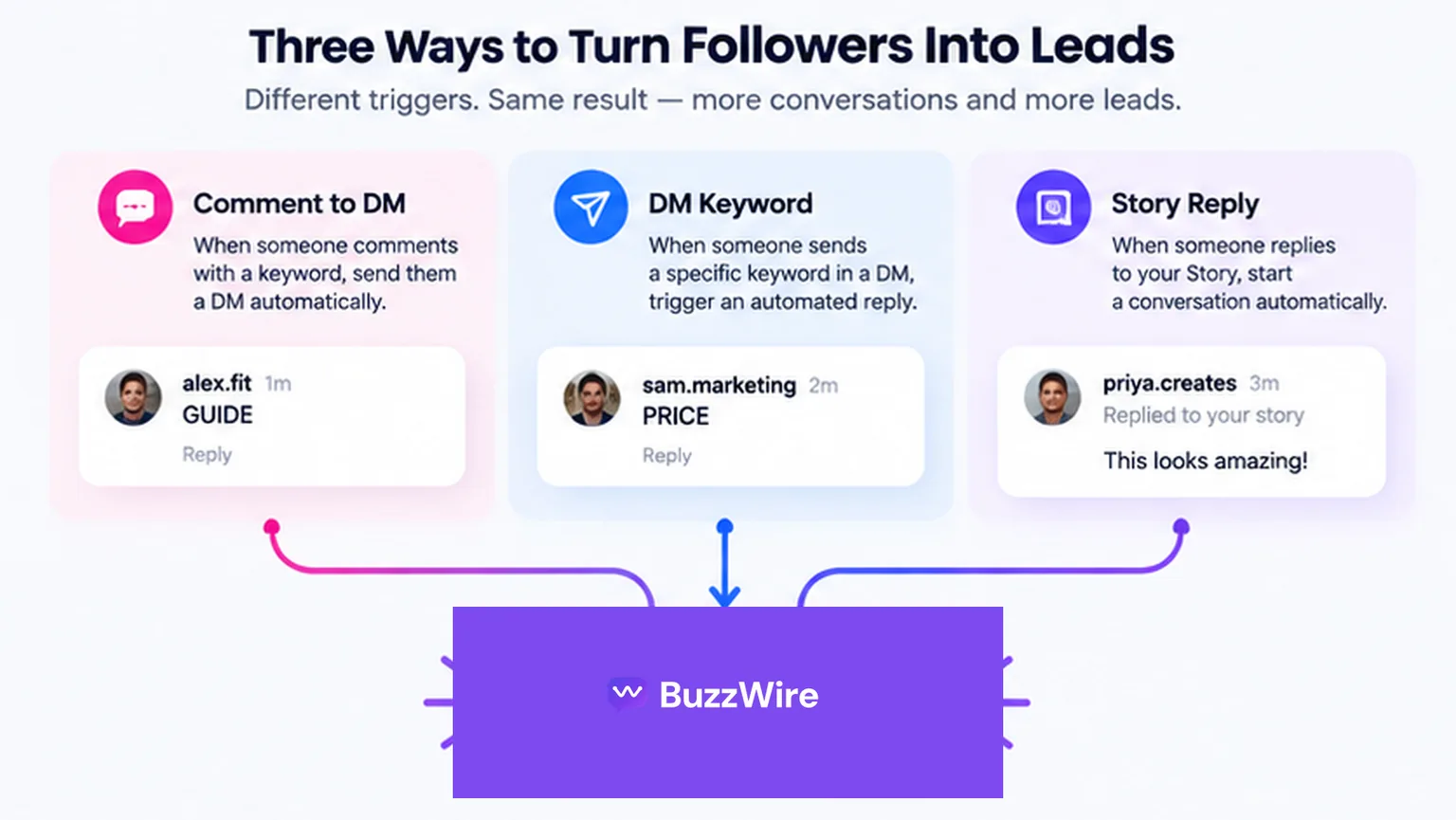
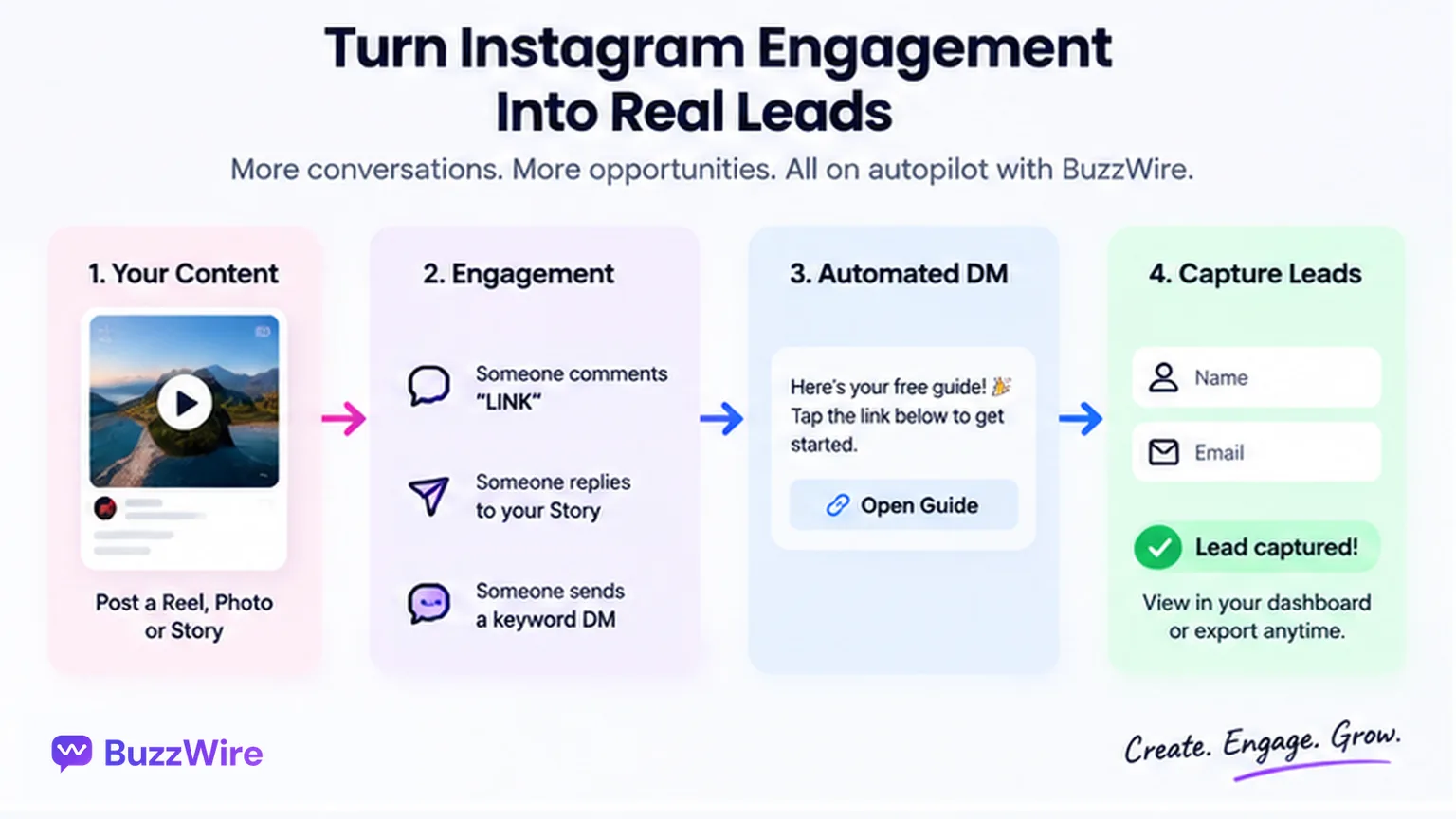
Each trigger lets a person raise their hand in a way software can act on:
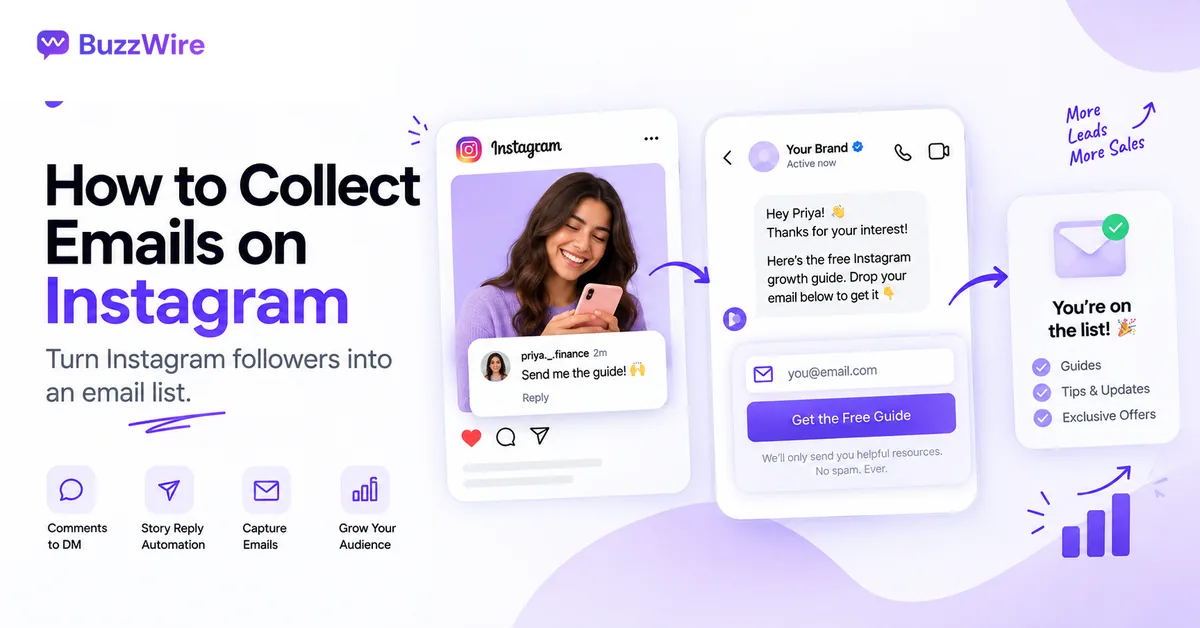
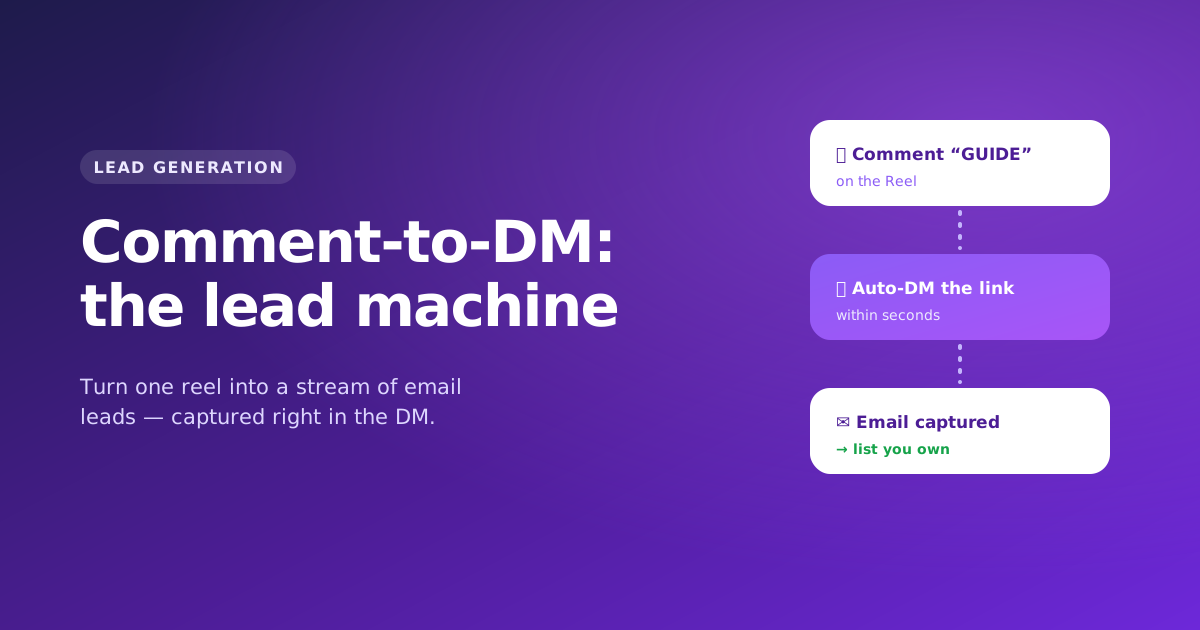
- A comment on a post or Reel. The volume trigger, and what a viral Reel produces. It runs through comment-to-DM on Instagram's private-reply mechanism.
- A story reply. Someone answers your story with the keyword. Smaller, warmer audiences. See story-reply automation.
- A keyword in the DM itself. Your bio says "DM me PLAN." Lowest volume, highest intent, handled by DM keyword automation.
All three end in the same place: an open DM thread the other person started. What you do in that thread is the lead generation.
The four Meta rules that shape DM lead capture
Four published Meta rules decide how any honest lead-capture flow is built. They are Meta's, not a tool's, and you can check each one.
- One private reply per comment. "Only one message can be sent to the Instagram user who commented."
- Seven days to send it. "The message must be sent within 7 days from when the comment was created for comments on a post, ads post, or reel."
- Live comments expire with the broadcast. Private replies to Live comments "can only be sent during the live broadcast."
- A 24-hour window, opened when they reply. Meta's policy says "Businesses will have up to 24 hours to respond to a user." It adds: "Messages sent within the 24 hour window may contain promotional content."
Sources: Meta, private replies and Messenger Platform and IG Messaging API policy overview, both checked 22 Oct 2026.
Rule 1 changes how you write. Many people plan a three-message nurture and find they only ever send message one. The full published set is on our Instagram DM limits reference.
How to set up Instagram DM lead generation: a 10-step framework
Pick one offer and a keyword, automate the DM, collect the email in the chat, then move the list to your email tool:
- Pick one offer and one keyword. A template, checklist or discount code. Choose a keyword people can spell: "GUIDE" beats "GR0WTH2026".
- Decide what you ask for. Ask for the minimum that makes the lead useful. For most creators that is the email, with the name optional.
- Connect your professional account. BuzzWire uses Instagram Login on the official Instagram API. You approve the connection and never hand over a password.
- Build the comment trigger first. It has the most volume and is easiest to test. Add story-reply and DM keyword triggers once it works.
- Write message one so it stands alone. Deliver the value and make the ask in the same DM. There is no second automated attempt.
- Turn on Email Capture (Pro). It asks for the email first (name optional) in the chat and exports a CSV ready for the email tool you already use.
- Add variation and a public reply. Spintax and rotating variants mean DMs aren't identical. A public "Check your DMs" reply shows others it works.
- Test from a second account. Comment your own keyword, watch the DM arrive, give an email and check it lands in the export.
- Say the keyword everywhere. Caption, on-screen text, the voiceover, a story and your bio.
- Export and import on a schedule. Download the CSV and load it into your email tool at least weekly, then send what you promised.
What to ask for, and when
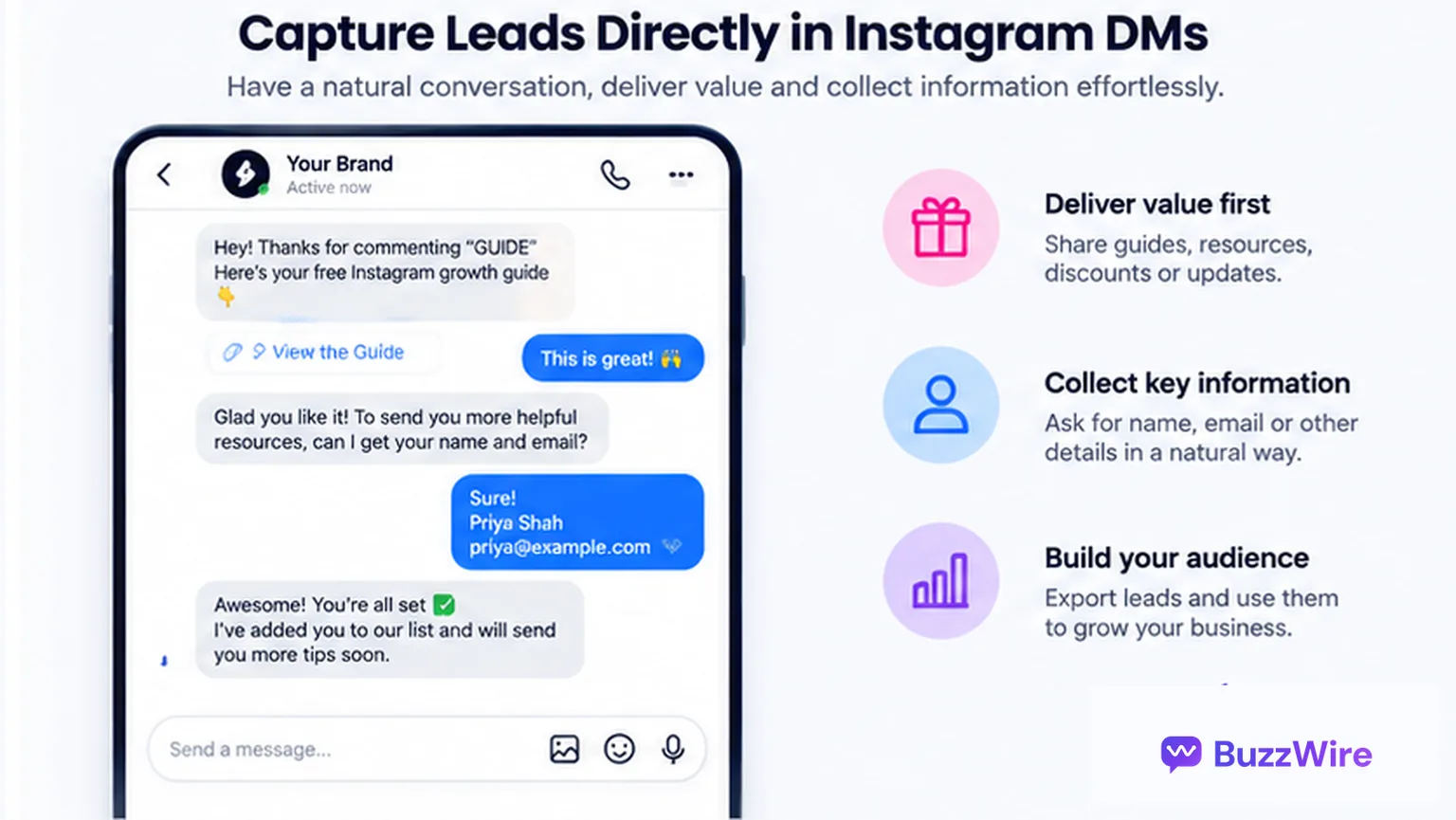
Make the exchange clear in message one: what they get, and what the email is for. The person commented for the thing, so the thing comes first.
- State the trade plainly. "Drop your email and I'll send the full plan, plus a short note most weeks."
- One link at most. BuzzWire allows one external link per DM and blocks URL shorteners.
- Email first, name optional. Each extra field is one more reason to stop.
Qualification, a second offer or a booking link belong in the 24-hour window after they reply. They don't belong in a first message that has one shot.
Examples by niche
Six setups that show the framework in practice. Each is a pattern to adapt, not a result we measured.
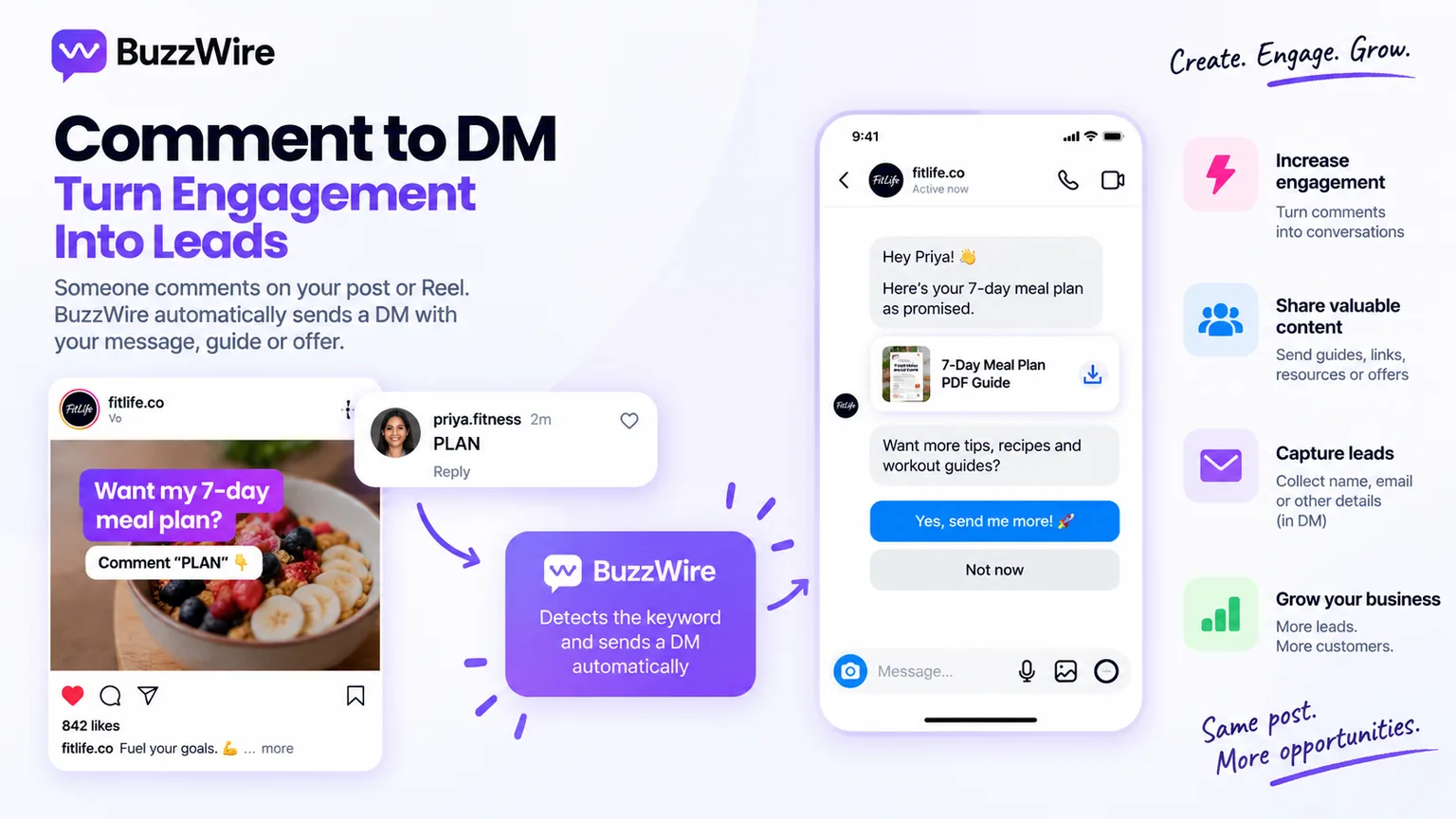
1. Fitness coach
- Post: a Reel showing three exercises from a home workout.
- Keyword: PLAN.
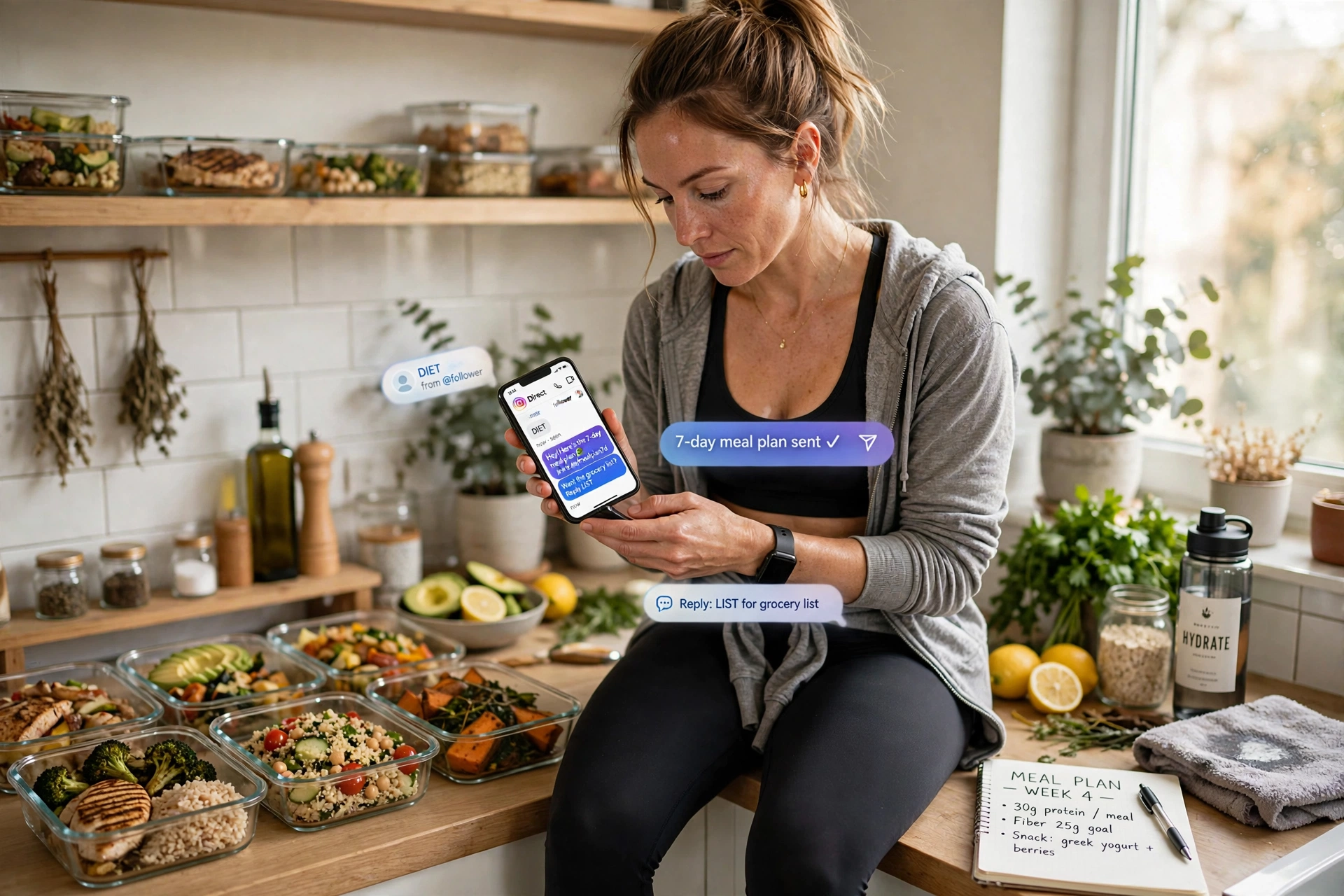
- Offer: a 7-day home workout plan.
- The ask: email for the plan and weekly training notes.
- Next step: after they reply, share the coaching application link.
Ready-made copy is in the fitness comment-to-DM templates.
2. Business or career coach
- Post: a carousel with five mistakes in a common situation.
- Keyword: GUIDE.
- Offer: a one-page checklist that fixes those mistakes.
- The ask: email for the checklist and a monthly workshop invite.
- Next step: a discovery-call link inside the 24-hour window.
See the coaching templates for wording.
3. Real estate agent
- Post: a listing walkthrough Reel.
- Keyword: TOUR.
- Offer: the full listing details and the open-house time.
- The ask: email for new listings in the same area.
- Next step: ask one question, such as "Buying or just looking?"
The real estate templates cover listing posts.
4. Beauty creator
- Post: a get-ready-with-me Reel.
- Keyword: SHADES.
- Offer: the product list, with one affiliate or shop link.
- The ask: email for a monthly "what I'm using" list.
- Next step: reply to questions about skin type by hand.
Wording for this is in the beauty templates.
5. Ecommerce or D2C brand
- Post: a product demo or a new launch.
- Keyword: SHOP.
- Offer: a first-order discount code.
- The ask: email for the code and launch news.
- Next step: a product link that matches what they commented on.
The ecommerce templates include launch copy.
6. Food or recipe creator
- Post: a recipe Reel with no full method in the caption.
- Keyword: RECIPE.
- Offer: the full printable recipe.
- The ask: email for a weekly recipe.
- Next step: link the cookbook or meal plan if they reply.
Instagram lead forms vs capturing the lead inside the DM
Instagram lead forms are a paid ad format in Meta's ads system. In-DM capture is organic and works on posts you already have.
| Instagram lead forms (paid) | In-DM capture (organic) | |
|---|---|---|
| Requires ad spend | Yes | No |
| Requires an existing audience | No | Yes, someone has to comment or reply |
| Where the lead lands | Meta's ads tools or a connected CRM | The DM thread, then your CSV export |
| Works on a post that already went viral | Only if you promote it | Yes |
Budget and no audience: lead forms are faster. Audience and no budget, where most creators are: the DM is where the lead sits.
Bio link vs the DM: where the friction is
The link in bio works, but four of its five steps happen after the person has left the post that interested them.
| Step | Bio link | In-DM capture |
|---|---|---|
| 1 | See the post | See the post |
| 2 | Tap the profile | Type one word |
| 3 | Tap the link | Receive a DM |
| 4 | Load a landing page | Reply with an email |
| 5 | Fill in a form | — |
| Leaves the app | Yes | No |
We won't claim DMs convert better; we have no data behind that. Run both and compare your own numbers with the metrics below.
The 5 metrics to track
Track these five numbers, in this order. They tell you which step is leaking.
| Metric | How to work it out | What it tells you |
|---|---|---|
| Trigger rate | keyword comments ÷ post reach | Whether the call to action is clear |
| Delivery gap | keyword comments − DMs sent | Misspellings, or comments older than 7 days |
| Capture rate | emails captured ÷ DMs sent | Whether message one asks well. The one to improve first |
| Import rate | leads imported ÷ leads exported | Whether the list actually reaches your email tool |
| Revenue per email, 90 days | revenue from the list ÷ emails captured | Whether the offer was the right one |
Capture rate is the one to work on, because it moves when you change the words in message one. Reach and follower growth are inputs: they show the post worked, not the capture.
To see clicks on your link, add UTM tags to the full URL and read them in your own analytics. Before you post, the engagement rate calculator gives you a baseline for the account.
What to do with the leads
A CSV in your downloads folder is not a list yet. Move it the same week:
- Export from Email Capture. Download the CSV of captured emails (and names, where given).
- Import into your own email tool. Use whichever platform you already send from.
- Tag by keyword. Note which post and keyword each batch came from.
- Send what you promised, soon. The first email should deliver or repeat the offer.
- Honour unsubscribes. Your email tool handles the unsubscribe link; keep it.
For the consent basics and a full email walkthrough, see how to collect emails on Instagram.
How to choose an Instagram lead generation tool
Four questions separate the tools. None of them is about feature count.
- Does it meter the thing you can't predict? Free plans are often capped. ManyChat lists 25 contacts (checked 15 Oct 2026). CreatorFlow lists 500 DMs a month and LinkDM 1,000 (checked 21 Oct 2026).
- Does it run on the official API? Tools that log in with your password are a different risk category. Ask in writing.
- Is pacing on by default? BuzzWire paces every send within Instagram's limits and eases new accounts in, on Free and Pro alike. See our compliance page.
- Does it cite the platform rules it claims to follow? Look for links to Meta's own developer docs.
Sources: manychat.com/pricing, creatorflow.so/pricing, linkdm.com/pricing.
BuzzWire is our product. Its free plan has unlimited DMs and automations, sent within Instagram's limits, with no contact caps. Email Capture is part of Pro, at $9.99/mo or $79/yr (Founding Member price), with a 14-day trial and no card.
Coming from a metered plan? What ManyChat actually costs works through the arithmetic.
Set up the comment trigger on your next post and watch the first ten DMs. Start free, no card needed.
FAQ
What is Instagram lead generation?
Instagram lead generation is turning Instagram attention into contact details you own, usually an email, rather than followers you rent. The organic method is capturing the email in a DM the person started, by commenting a keyword, replying to a story or messaging you. Lead ads are the paid alternative.
Can I generate leads on Instagram without running ads?
Yes. A keyword comment or story reply opens a DM thread, and the email is collected there. You need an audience that comments, but no ad budget. Instagram lead forms are the paid route: they need ad spend, but they don't need an existing audience to start.
How many leads can I capture from one post?
There is no BuzzWire cap on how many people can trigger an automation; DMs are unlimited and sent within Instagram's limits. Meta's rules still apply to each comment: one private reply, sent within 7 days. Meta's published DM rate limits apply on top of that.
Can Instagram DMs collect email addresses?
Yes, inside the conversation. The person types their email as a message, and a tool records it. Instagram does not hand you anyone's email; they have to give it to you. BuzzWire's Email Capture (Pro) asks for the email first, name optional, and exports the list to CSV.
Where do the captured leads go?
Into a CSV export from BuzzWire. You import that file into the email tool you already use and send from there. Export weekly so the list stays warm.