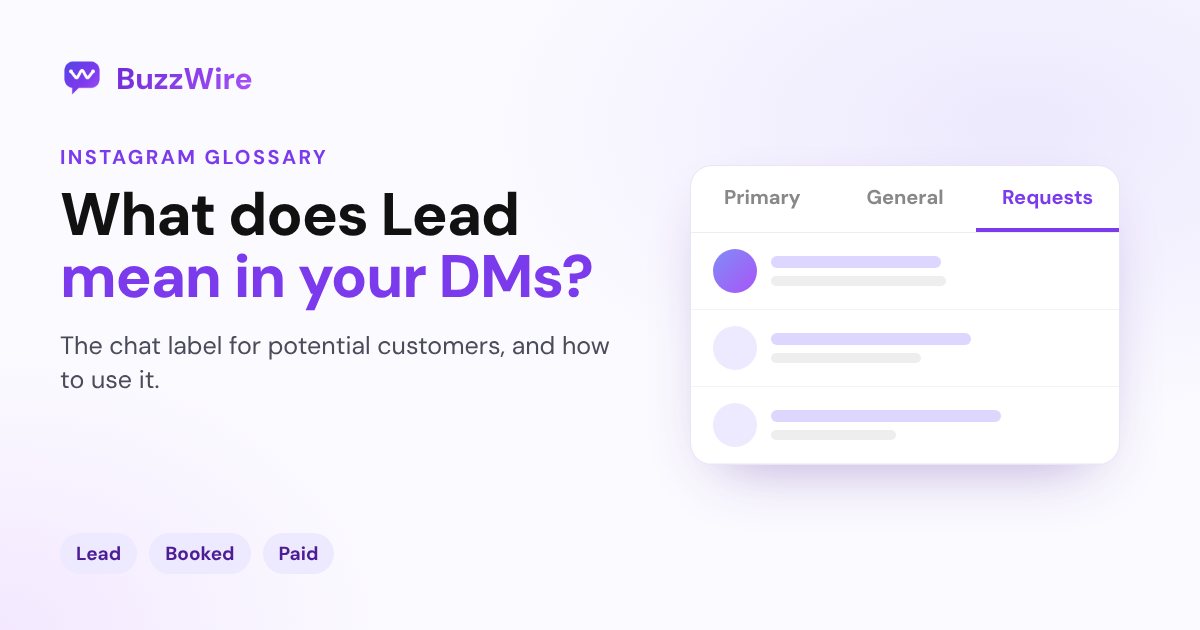
What does Lead mean on Instagram messages?
Lead on Instagram messages is a chat label business accounts add to sort conversations: Lead, Booked, Ordered, Paid, Shipped. How it works and how to use it.
On this page
- What does the Lead label mean on Instagram?
- Who can use Instagram chat labels?
- How to add the Lead label to an Instagram chat
- Leads in Meta Business Suite
- Turning DMs into leads
- FAQ
- What does "Lead" mean next to a chat on Instagram?
- Can the other person see that I labeled them a lead?
- Why don't I have chat labels on Instagram?
- How do I get more leads from Instagram DMs?
In short:
- "Lead" on Instagram messages is a chat label. Business accounts, and creator accounts in some categories, can add it to a conversation to mark a potential customer.
- It's one of five preset labels: Lead, Booked, Ordered, Paid and Shipped (shown as "Dispatched" in some regions).
- You add labels by hand and see them in your own chat list. They help you filter customer conversations.
- Instagram's help page doesn't say whether the other person can see the label.
- Meta Business Suite has a separate leads tab in its inbox, for leads from forms and ads.
If you saw "Lead" next to a chat in your inbox, it's most likely a label you (or someone managing your account) added. Everything below comes from Instagram's chat labels help page, checked 22 Oct 2026.
What does the Lead label mean on Instagram?
It marks a chat as a potential customer, someone who has shown interest but hasn't bought or booked yet. Instagram says: "If you are a seller or creator on Instagram, you can organise Instagram chats by adding a label."
The five labels follow a simple sales path:
| Label | Use it when |
|---|---|
| Lead | Someone has asked about a product or service |
| Booked | They've booked a call, appointment or service |
| Ordered | They've placed an order |
| Paid | They've paid |
| Shipped / Dispatched | You've sent the order |
You can change the label as the conversation moves on.
Who can use Instagram chat labels?
According to Instagram's help page:
- You need a business account, or a creator account in certain categories.
- The feature "may not be available to you yet", so not every account has it.
- Labels appear in your chat list. The page doesn't say whether the customer sees them.
How to add the Lead label to an Instagram chat
From Instagram's help page (as of 22 Oct 2026):
- Go to your chat list and open the chat.
- Tap the label icon and choose Lead (or another label).
- Tap Save.
Or swipe left on a chat in your list, tap More, then Add label. To change it, swipe left, tap More and Edit label. Icons and menu names can change between app versions.
Leads in Meta Business Suite
If you manage Instagram through Meta Business Suite, its inbox brings Messenger, Instagram and WhatsApp together and has a leads tab for viewing and managing leads (Meta Business Help Center). Lead ads can also send people into Instagram Direct to continue the conversation.
Turning DMs into leads
A label is only useful if leads are coming in. The simplest source is your own posts:
- Ask people to comment a keyword for a guide, a price list or a booking link.
- Send each of them a DM with the link automatically, using comment-to-DM.
- Ask a question in that DM. Everyone who replies is a warm lead to label and follow up within 24 hours.
To capture the lead's email in the same chat, see how to collect emails through Instagram DMs, or read our full Instagram DM lead generation guide.
FAQ
What does "Lead" mean next to a chat on Instagram?
It's a chat label. Business accounts and some creator accounts can tag a conversation as Lead, Booked, Ordered, Paid or Shipped to keep track of customers. The label shows in that account's chat list.
Can the other person see that I labeled them a lead?
Instagram's help page says you'll see the label in your chat list, and doesn't say the other person sees it. Don't put anything in a label you wouldn't be comfortable with them seeing.
Why don't I have chat labels on Instagram?
Labels are for business accounts and creator accounts in certain categories, and Instagram says the feature may not be available to everyone yet. Check that you're on a professional account and that your app is up to date.
How do I get more leads from Instagram DMs?
Give people a reason to message you: a keyword to comment for a free guide, a price list or a booking link. Reply quickly, ask one question, and label the people who answer as leads.