How to set up automatic DMs on Instagram
Set up automatic Instagram DMs from comments, keywords and story replies — with the four Meta rules that decide whether your automation actually fires.
On this page
- What "automatic DM" actually means on Instagram
- How to set up automatic DMs on Instagram
- The four Meta rules that decide whether your automation fires
- How to send automated DMs on Instagram without a comment trigger
- What Instagram's own in-app automation covers
- Two numbers on this page's search results that are not Meta's
- What to write in the automated DM
- What it costs to automate Instagram DMs
- Common setup mistakes
- FAQ
Most creators arrive at this question after one post did unusually well. Three hundred people commented the keyword; you answered forty by hand and gave up.
This page shows how to set up automatic DMs on Instagram from three different triggers, and the Meta rules that decide whether each one fires. For the wider picture, start with our Instagram DM automation guide.
In short:
- An automatic Instagram DM is a message your tool sends when someone comments a keyword, replies to your story, or DMs you a keyword.
- Instagram's own app covers some automated replies. It does not cover sending a DM to someone who commented on a post.
- That comment-to-DM action is called a private reply, and it is an API action, so it needs a tool connected to the Instagram Graph API.
- Meta allows one private reply per comment, sendable within 7 days on a post, ads post or reel.
- The conversation only continues if the person replies to you, and then only inside a 24-hour messaging window.
- Setup takes about fifteen minutes: connect the account, pick a trigger keyword, write the DM, test it on your own comment, then publish the post.
One thing to settle first: "automatic DM" describes two different features, and they live in two different places.
What "automatic DM" actually means on Instagram
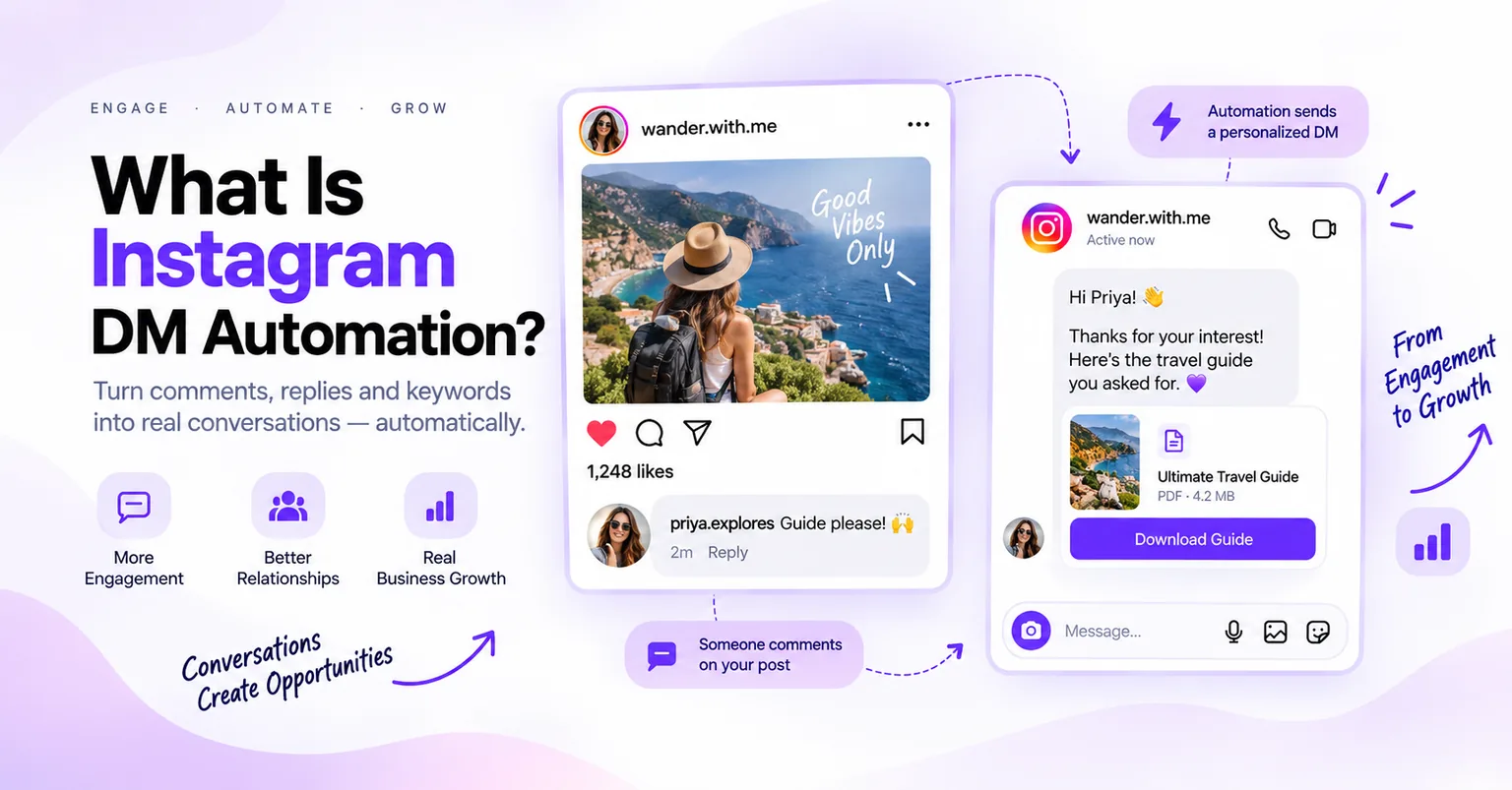
An automatic DM is a direct message sent by software, triggered by something a follower did. There are three triggers in common use.
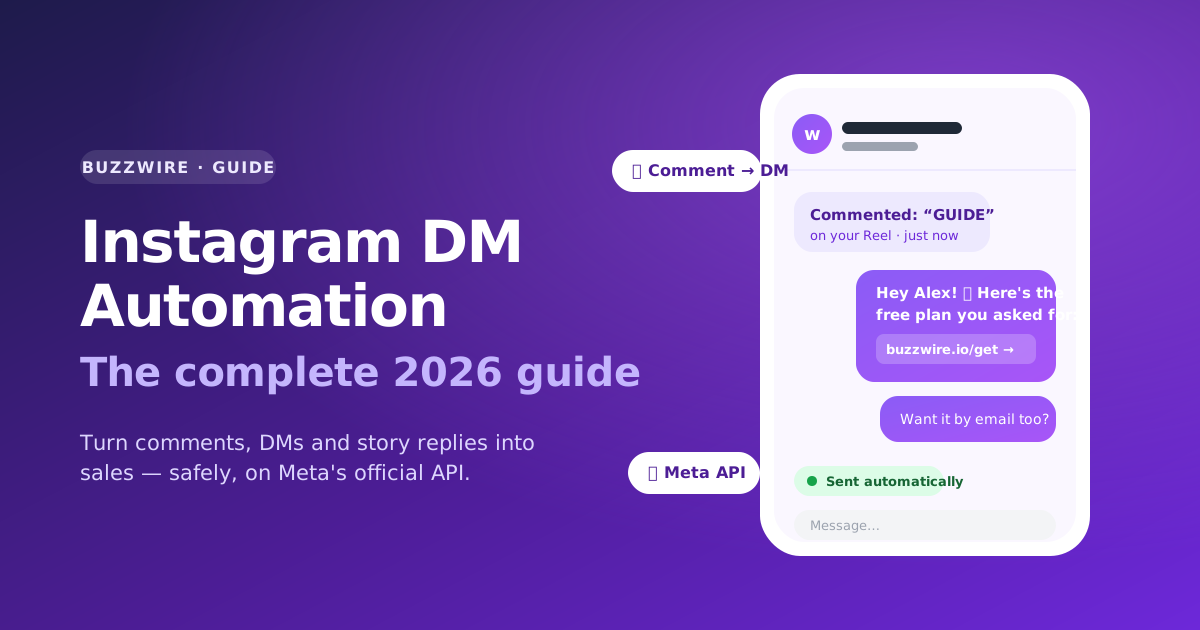
A comment trigger fires when someone comments a keyword on your post or reel. A keyword DM trigger fires when someone sends that word to your inbox. A story-reply trigger fires when someone replies to your story.
Most tools that offer DM automation for Instagram support all three. Only one of them is blocked inside the Instagram app itself.
The comment trigger is the one people mean. It is also the one Instagram's app does not do.
Sending a DM to someone who commented is a specific API action called a private reply. A private reply lets a business message a person who commented, once, without that person having messaged first.
That single action is why comment-to-DM automation needs a connected tool rather than a setting. Everything below follows from it.
How to set up automatic DMs on Instagram
Fifteen minutes, start to finish. Do it on a quiet post before you do it on a good one.
- Switch to a professional account. Instagram's messaging API works with Business and Creator accounts, not personal ones. Settings → Account type.
- Connect your account to your automation tool. Log in with Instagram and approve the permissions. You should never be asked for your Instagram password by a third-party tool — the official API uses a login handoff instead.
- Pick one trigger keyword. Make it a word nobody uses by accident. "PLAN" and "GUIDE" work. "yes" and "link" do not.
- Decide how the keyword is matched. Whole-word matching catches "PLAN" but not "planning." Add a catch-all so people who misspell it still get the DM.
- Write the DM. One idea, one link, one clear next step. Keep it under a couple of short lines.
- Add message variation. Rotating phrasings — often called spintax — mean two commenters do not receive an identical string.
- Test it on your own comment. Comment the keyword from a second account and watch the DM arrive. This is the step people skip and then debug in public.
- Publish the post and tell people the word. Say it in the caption, say it on the screen, say it out loud. Most failed automations fail here, not in the software.
Then check it the next morning. Look at how many people commented versus how many received the DM, and whether the gap is spelling or a rule.
The four Meta rules that decide whether your automation fires
These four rules are published by Meta, and every one of them can break an automation that is otherwise set up correctly.
One message per comment. Meta's private-replies documentation states: "Only one message can be sent to the person who commented." There is no second nudge. Whatever you want to say has to fit in one message.
Seven days on posts and reels. "The message must be sent within 7 days from when the comment was created for comments on a post, ads post, or reel." A comment on an old post is not automatable forever.
Live comments end when the broadcast ends. "[P]rivate replies on Instagram Live Story comments can only be sent during the live broadcast. As soon as the live broadcast has ended, private replies can no longer be sent."
The conversation only opens if they reply. "Only when a person responds to the private message can you continue the conversation within the 24-hour messaging window." This is the load-bearing one. Your first DM is a single shot. Their reply is what buys you the follow-up.
Source: Meta, Instagram private replies, quoted verbatim and checked 24 September 2026.
Read together, the four rules explain the design of every good comment-to-DM message: one message, one link, and a reason to reply.
How to send automated DMs on Instagram without a comment trigger
Two other triggers do not depend on a comment at all, and both open the conversation the ordinary way — the person messages you first.
Keyword DMs. Your bio says "DM me PLAN." Someone sends the word. The tool replies with the link. Because they messaged you, the 24-hour messaging window is already open. This is set up on a DM keyword trigger — the same idea as an Instagram autoresponder.
Story replies. Someone answers your poll or question sticker with a keyword and gets the DM back. Same mechanism, different surface. See story reply automation.
Use all three and most creators find the comment trigger produces the volume while the keyword DM produces the better conversations.
What Instagram's own in-app automation covers
Instagram publishes its own automated chat features. The top organic result for this query is Instagram's Help Centre page about them.
So check there first if your need is simple. A greeting, an away message or a set of frequently asked questions answered in the inbox may not need a tool at all.
What is not in question is the boundary. The private reply is documented in Meta's developer documentation as an API action. That is why the comment trigger is the part that needs a connected tool.
Two numbers on this page's search results that are not Meta's
Two claims circulate widely on this topic and neither traces to Meta.
"200 messages per hour" is not in Meta's published Instagram Platform rate limits. One page ranking for this query states "you can send up to 200 messages per conversation per hour." It cites nothing.
Meta's Instagram Platform overview publishes its rate limits per professional account. No 200-per-hour figure appears there. We checked again on 24 September 2026, the sixth check since 3 September. The full published set, with sources, is on our Instagram DM limits reference.
"Meta-approved" is not a designation Meta issues. Tools go through business verification instead. Any tool describing itself as Meta-approved is describing something that does not exist.
BuzzWire is a Verified Meta Tech Provider. That is a real status and it is not a product endorsement. BuzzWire is not endorsed by or affiliated with Meta or Instagram.
Source: Meta, Instagram Platform overview, checked 24 September 2026.
What to write in the automated DM
One message, remember. Lead with the thing they asked for, not with a greeting.
Name the keyword back to them so the message obviously belongs to the comment. Deliver the link immediately. Then ask one short question, because their reply is what opens the 24-hour window and lets you say anything else.
Keep links to a minimum and avoid URL shorteners. Shortened links are what spam looks like to an automated system. A bare domain reads as more trustworthy to a human too.
For copy you can lift, see our welcome and quick-reply message examples. For turning those replies into an email list, see the Instagram DM lead generation guide.
What it costs to automate Instagram DMs
BuzzWire's free plan is the whole product: all three triggers, the full flow builder, message variation and unlimited automations with no contact caps. Free DMs carry a "Powered by BuzzWire" badge.
Pro is from $9.99/mo, or $79/year — about $6.58/mo. It removes the badge and adds in-DM lead capture with CSV export, plus follower gating. There is a 14-day trial and no card. Safety settings are identical on both plans, so there is no faster tier to buy.
If you are comparing against contact-metered pricing, the ManyChat alternative breakdown sets the two models side by side. The full feature list and the pricing page have the rest.
Common setup mistakes
Choosing a keyword people type by accident. "Link" fires on every comment containing the word link. Pick something deliberate.
Writing two messages. Meta allows one private reply per comment. A flow that assumes a second message will silently drop it.
Forgetting the catch-all. A meaningful share of commenters misspell the keyword. Without a fallback those people get nothing and assume you ignored them.
Never testing from a second account. Testing from your own account does not exercise the private-reply path.
Automating and then disappearing. The DM opens a conversation. Someone still has to be there when it continues.
On what does and does not put an account at risk, the Instagram DM automation rules post covers it properly, and our compliance page sets out the mechanisms BuzzWire enforces. No tool can guarantee against account action by Meta, because Meta controls enforcement.
FAQ
Can you set up automatic DMs on Instagram without a third-party tool? Partly. Instagram's app includes its own automated chat features for the inbox, and they are worth checking first. Messaging someone who commented on a post is a different action, called a private reply. Private replies run through the Instagram Graph API, so that part needs a connected tool.
How many automatic DMs can you send to one commenter? One. Meta's documentation states that "only one message can be sent to the person who commented." There is no automated follow-up to a comment. You earn a second message only if that person replies to you, and their reply opens a 24-hour messaging window.
How long after someone comments can the automatic DM be sent? Seven days, for comments on a post, ads post or reel. Meta's private-replies documentation sets the window from when the comment was created. Comments on an Instagram Live broadcast are stricter: the private reply can only be sent while the broadcast is still running.
Do you need a Business or Creator account? Yes. Instagram's messaging API works with professional accounts, so a personal account has to be switched over first. The change takes a few seconds under Settings, it is free, and it can be reversed. Creator and Business both work for DM automation.
Will automating DMs get your Instagram account banned? No tool can promise that, because Meta decides enforcement. What you control is method. Use the official API rather than a tool that asks for your password. Send only to people who opted in by commenting or messaging. Vary your wording, and skip URL shorteners.
Does automatic DM work on story replies too? Yes, and it is simpler than the comment trigger. A story reply is a direct message, so the person has already messaged you. That opens the 24-hour messaging window normally, and the one-message private-reply limit does not apply to it.
What should the first automated DM say? One thing. Name the keyword they typed, deliver the link they asked for, and ask one short question. The question matters more than it looks: their reply is what opens the 24-hour window and lets you follow up at all.
How long does it take to set up? About fifteen minutes for the first automation. That covers connecting the account, choosing a keyword, writing the message, testing it from a second account and publishing the post. Later automations take two or three minutes, because the account is already connected.