What does link in bio mean?
"Link in bio" means the link is in the account's Instagram profile, because caption links aren't tappable. How bio links work, up to five, and the alternatives.
On this page
- What does link in bio mean?
- Why creators say "link in bio"
- How to find a link in someone's bio
- How to add a link to your Instagram bio
- Link in bio vs other ways to share a link
- A tip for creators and brands
- FAQ
- What does "link in bio" mean on Instagram?
- Why can't I click links in Instagram captions?
- How many links can you put in your Instagram bio?
- What is a link in bio page?
- What's better than "link in bio"?
In short:
- "Link in bio" means the link is on the account's profile, at the top, under its name and description.
- Creators say it because a URL typed into an Instagram caption or comment isn't tappable, unless the account pays for Meta One.
- You can add up to five links to an Instagram bio.
- To open it, tap the account's name, then tap the link under their bio.
- Other places a link works: a Story link sticker, a direct message, a paid ad, and native product tags.
Sources: Search Engine Land on five bio links, and our own guide to adding a link to an Instagram post, checked 6 Nov 2026.
What does link in bio mean?
"Link in bio" means "go to my profile and tap the link there." The bio is the short description at the top of an Instagram profile, and it's one of the few places Instagram makes a link tappable for free. When a post says "link in bio", the creator is pointing you from the post to their profile.
Why creators say "link in bio"
Instagram doesn't turn URLs in captions or comments into links. You can type one, but nobody can tap it. Since September 2026, Meta One subscribers can add clickable caption links, but for most accounts the bio is still the place a link works.
How to find a link in someone's bio
- Tap the account's name or profile photo on the post.
- Look under their name and description for the link.
- If they have several, tap the link line to see them all, then pick one.
Many creators use a link page (one link that opens a menu of links) so a single bio link can hold many destinations.
How to add a link to your Instagram bio
- Go to your profile and tap Edit profile.
- Tap Links, then Add external link.
- Paste the URL and add a title.
- Add up to five links, and drag them into the order you want.
Link in bio vs other ways to share a link
| Where | Tappable? | Best for |
|---|---|---|
| Bio | Yes, up to five links | Your main, always-on links |
| Story link sticker | Yes | A link for the next 24 hours, or saved to a highlight |
| Direct message | Yes | Sending the exact link someone asked for |
| Caption or comment | No, unless Meta One | Not for links |
A tip for creators and brands
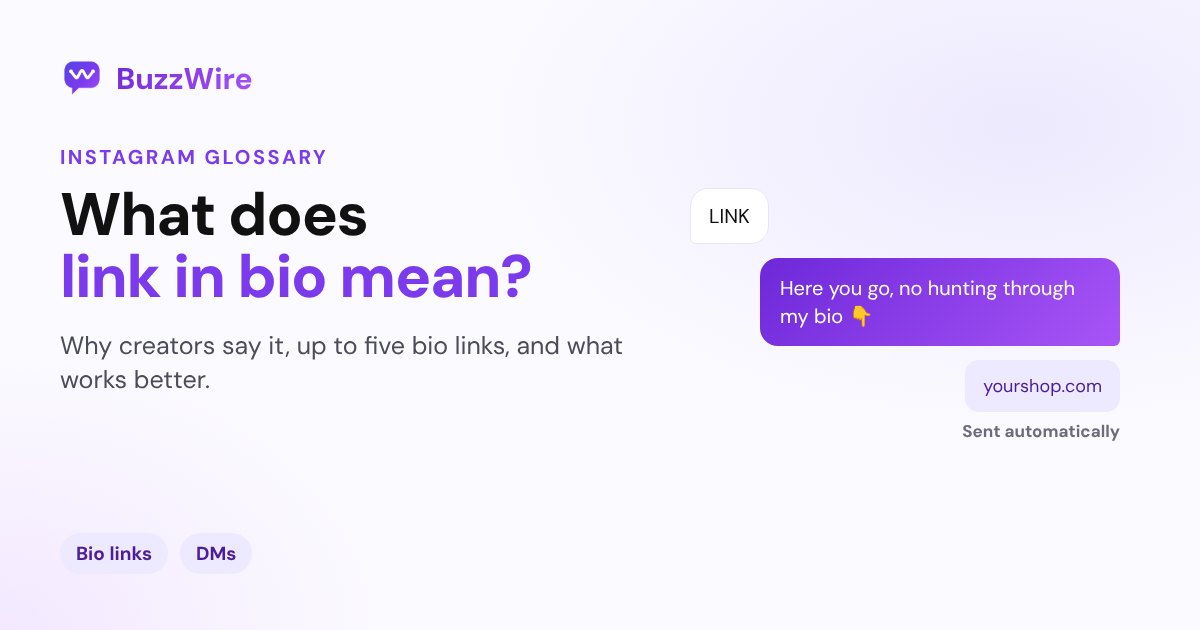
"Link in bio" asks people to leave the post, find your profile and hunt for the right link. Many don't. Instead, ask them to comment a keyword, and send the link straight to their DMs. BuzzWire's comment-to-DM automation does this free, on the official API. It works for affiliate links too.
Related Instagram terms: what IG means, what DM means, what Highlights means, what Pinned means, or browse the full Instagram glossary.
FAQ
What does "link in bio" mean on Instagram?
It means the link mentioned in the post is on the account's profile. Tap their name, then tap the link under their bio. Creators say it because caption links aren't tappable.
Why can't I click links in Instagram captions?
Instagram doesn't make URLs in captions or comments tappable for most accounts. Since September 2026, Meta One subscribers can add clickable caption links. Everyone else uses the bio, Story link stickers or DMs.
How many links can you put in your Instagram bio?
Up to five. Go to Edit profile, then Links, then Add external link, and drag the links into order.
What is a link in bio page?
A single web page with several links on it, so one bio link can lead to many places: a shop, a newsletter, a video. Tools like Linktree make these pages.
What's better than "link in bio"?
Sending the link in a DM. Ask people to comment a keyword, and an automated DM sends them the exact link, without leaving the post.
Skip "link in bio". Start free on BuzzWire and DM your link to everyone who comments your keyword.