Meta Muse for Instagram Creators: What It Actually Does (and What It Doesn't)
Meta's Muse AI agent now works with Instagram. What it does for creators — strategy, brand-deal benchmarks, reports — what it drafts, what it won't send, where it's available, and how it pairs with DM automation.
On this page
- Can you use Muse yet? Availability at a glance
- What is Meta Muse?
- What Muse does for Instagram creators
- Can Muse create your content?
- Can Muse reply to your Instagram DMs and comments?
- How to add Muse to your Instagram account
- Five prompts to try with Muse
- A word on those brand-deal benchmarks
- Muse vs Meta AI
- Muse + DM automation: a stack, not a rivalry
- Who carries the outcome: accountability
- How Muse handles your data
- FAQ
- Is Meta Muse free for Instagram creators?
- Can Meta Muse reply to my DMs and comments?
- Is Meta Muse available in India?
- How old do you have to be to use Muse?
- Which accounts can use Muse on Instagram?
- Does Muse share my Instagram data with Meta's ads, or train on it?
- Will using Muse get my account in trouble?
- Is Muse the same as Meta AI in Instagram search?
- Can Muse and a DM automation tool run at the same time?
- Update log
Meta's new AI agent, Muse, can now connect to your Instagram account. Announced in depth at Meta Connect 2026, it works as a back-office assistant for creators: it analyzes your account, suggests content strategy, helps you draft captions and content, flags brand-deal opportunities and benchmarks the offers you receive. What it does not do — at least in anything Meta has shown so far — is run your front desk. It can draft a message, but it doesn't sit on Instagram's messaging system replying to your audience the moment they comment or DM. Here's the full picture, verified against Meta's guidance and the first wave of reporting as of 29 September 2026.
Can you use Muse yet? Availability at a glance
- Where: the United States and Canada — the US since 8 September, Canada since 18 September 2026.
- Who: adults 18 and older only.
- You'll need: the Muse app installed first, then an Instagram account you connect to it.
- Not yet: India and most other markets. Meta hasn't announced a launch date for anywhere else, so if you're outside the US and Canada, there is no supported way to add it right now (Analytics Insight).
What is Meta Muse?
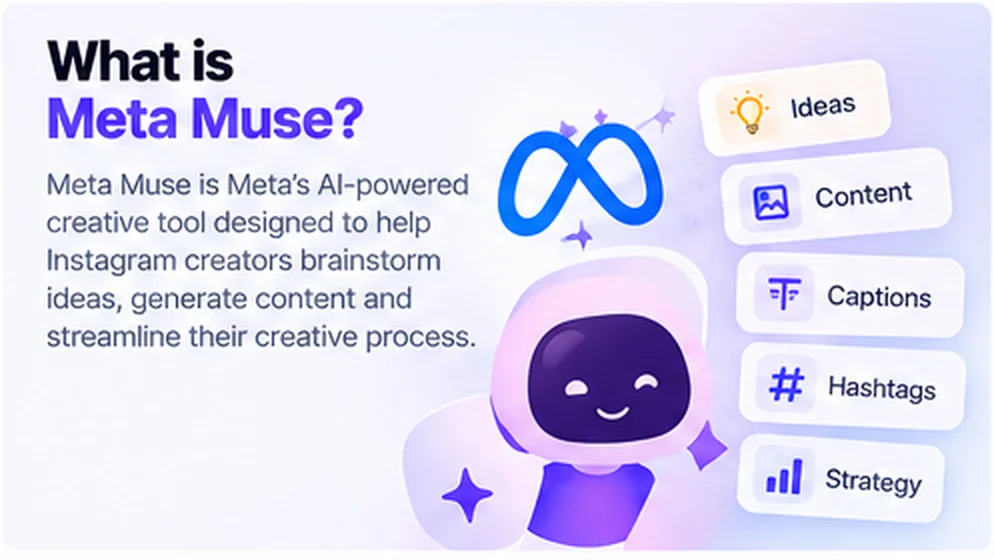
Muse is Meta's personal AI agent — an assistant that doesn't just answer questions but completes tasks on your behalf: drafting emails, filling out forms, booking travel, and continuing work after you close the app. A few facts from the launch:
- The Muse app launched on 8 September 2026 in the US and reached Canada on 18 September. It runs on Meta's Muse Spark 1.3 model and has topped the US App Store since 18 September. Download estimates for the first two weeks range from roughly 2.3 to 4.3 million depending on the tracker (Sensor Tower, Apptopia, Appfigures — via TechCrunch).
- It connects to your apps — email, calendar, payments and more — and can produce "Artifacts": documents, reports and dashboards that live outside the chat.
- Each user gets an isolated, secure cloud environment, and Muse asks for approval before actions like sending an email or making a purchase. More on the privacy model below.
What Muse does for Instagram creators
At Connect 2026, Meta demonstrated what Muse looks like once you grant it access to your Instagram account (Social Media Today, Social Samosa):
- Content strategy recommendations — tips based on your actual account data, not generic advice.
- Collaboration alerts — it identifies partnership opportunities and, notably, benchmarks brand-deal offers against industry rates. For creators who've never known whether $500 for a Reel is fair, this may be the single most useful feature shown.
- Creative playbook guidance — direction for your overall Instagram approach.
- Account summaries and action reports — what happened, what changed, what to do about it.
- Reminders — nudges about evolving parts of your account.
- Open-ended help — you can simply ask Muse what it can do for you.
The common thread: everything runs creator-facing. Muse advises you. It analyzes, summarizes, and recommends.
Can Muse create your content?
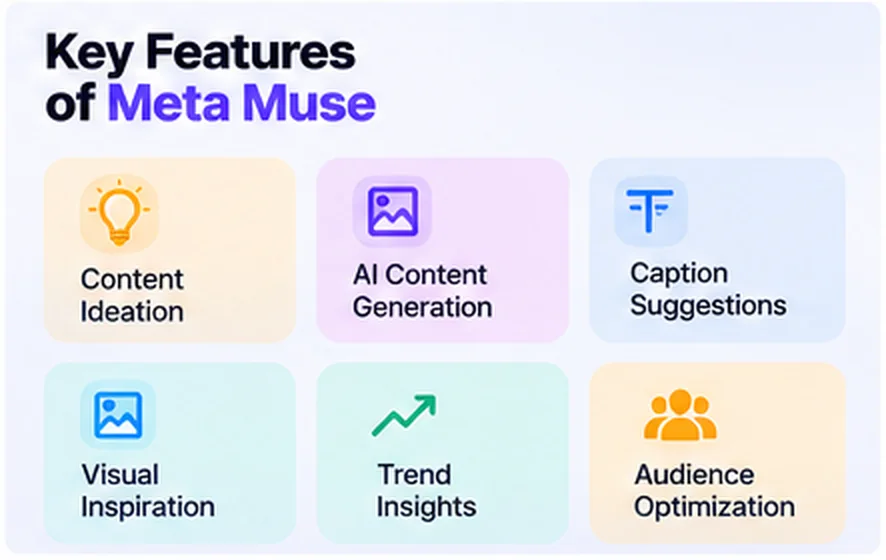
Beyond advising, Muse can help you make the content itself — this is where it overlaps with the caption-and-idea generators creators already use. In hands-on write-ups since launch, the useful patterns are:
- Caption drafts in your voice. Muse can study your past posts — hooks, cadence, the hashtags you lean on — and hand you several caption options instead of a blank box.
- Repurposing. Point it at a talking-head video and it can cut a Reel, a carousel and a Stories set, with captions and on-screen text for each.
- Ideas and trends. Content ideas matched to your niche, plus weekly scans of similar creators for formats and audio worth trying.
One important limit: Muse helps you plan and draft, but it doesn't publish for you. Scheduling and posting still run through Instagram's own scheduler or Meta Business Suite — Muse isn't a post scheduler. Treat its output as a fast first draft you review, not an autopilot.
Can Muse reply to your Instagram DMs and comments?
This is the question that decides whether Muse changes your lead flow — so it's worth separating what Muse does, what it drafts, and what it doesn't send.
- What it does: advises you — strategy, brand-deal benchmarks, weekly reports.
- What it can draft: Muse can draft messages and emails elsewhere in the app, always with your approval before anything sends. You choose whether it can only read, or also act.
- What it does not do: in nothing Meta has shown, Muse composes or sends replies to your audience on Instagram. No keyword comment replies, no welcome DMs, no story-reply answers — nothing that fires the instant a fan engages.
The nuance that matters: even a draft still needs a send, and messaging your audience at scale runs on Instagram's official Messaging API — a separate system with its own rules, including the 24-hour window, one-reply-per-comment limit and professional-account requirement. That's the layer comment-to-DM automation and other Instagram DM automation tools operate in.
How to add Muse to your Instagram account
First, the prerequisites: you need the Muse app installed (US or Canada, 18+), an updated Instagram app, and an Instagram account to connect. Then (Digit):
- Open the Instagram app and go to your profile.
- Look for "+ Add your Muse" below your profile.
- Tap Add on the banner that appears.
- Back on your profile, open Muse below your bio and select Main chat.
The interface is still rolling out, so exact wording and the order of steps differ by account and app version. If you don't see the option yet, it hasn't reached your account.
Five prompts to try with Muse
Muse is only as useful as what you ask it. Five to start with, and what a good answer looks like:
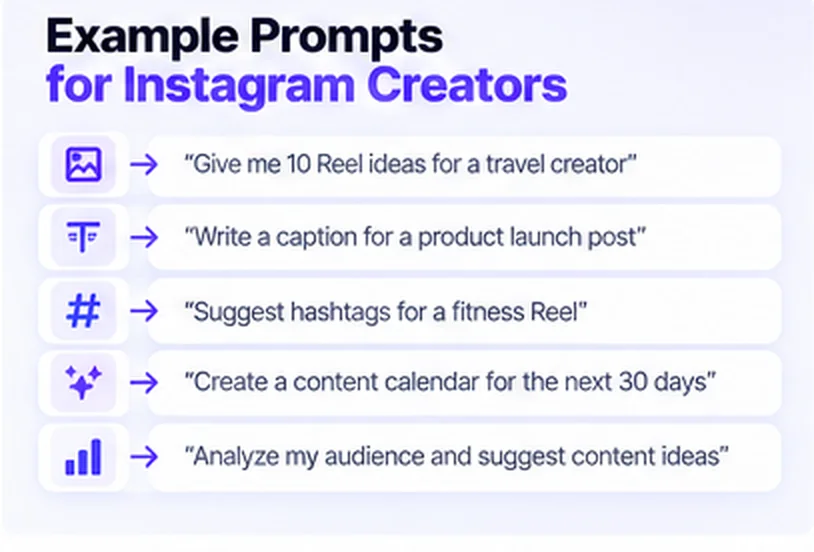
- "What can you do for this account?" — a plain-language menu of what Muse can see and act on for your profile.
- "Benchmark this brand's $X offer for one Reel against my niche." — a range against typical rates, with the reminder that it's an estimate, not a quote.
- "Summarize the last 7 days on my account and what changed." — a short report plus a few suggested next actions.
- "Draft three content ideas from my best-performing posts." — ideas grounded in your own data rather than generic trends.
- "Remind me to post the collab Reel on Thursday at 9am." — a calendar reminder you'll actually get.
Keep Muse on approval mode: it should ask before it acts — sending, scheduling or buying anything.
A word on those brand-deal benchmarks
The rate-benchmarking feature is genuinely useful, but treat it as a starting point, not a verdict. Benchmarks are estimates drawn from aggregate data; real deals swing with audience quality, niche, usage rights and exclusivity. Use Muse's number to know roughly where an offer sits, then check it against actual quotes before you counter.
Muse vs Meta AI
They're easy to confuse and they're not the same thing. Meta AI is the chat assistant that answers questions inside Instagram, Facebook and WhatsApp. Muse is an agent you attach to your account that can analyze it and complete tasks on your behalf. One answers questions; the other does work.
Muse + DM automation: a stack, not a rivalry
The practical read for creators is that these two do different jobs and pair well:
| Muse | DM automation (official API) | |
|---|---|---|
| Direction | Advises you | Responds to your audience |
| Timing | On demand / scheduled reports | The instant a fan comments, DMs, or replies to a story |
| Example | "This brand's offer is 30% below benchmark" | Sending the guide to everyone who commented "GUIDE" at 2am |
| Setup | Add Muse on your profile | Connect a tool like BuzzWire's auto-reply to the official API |
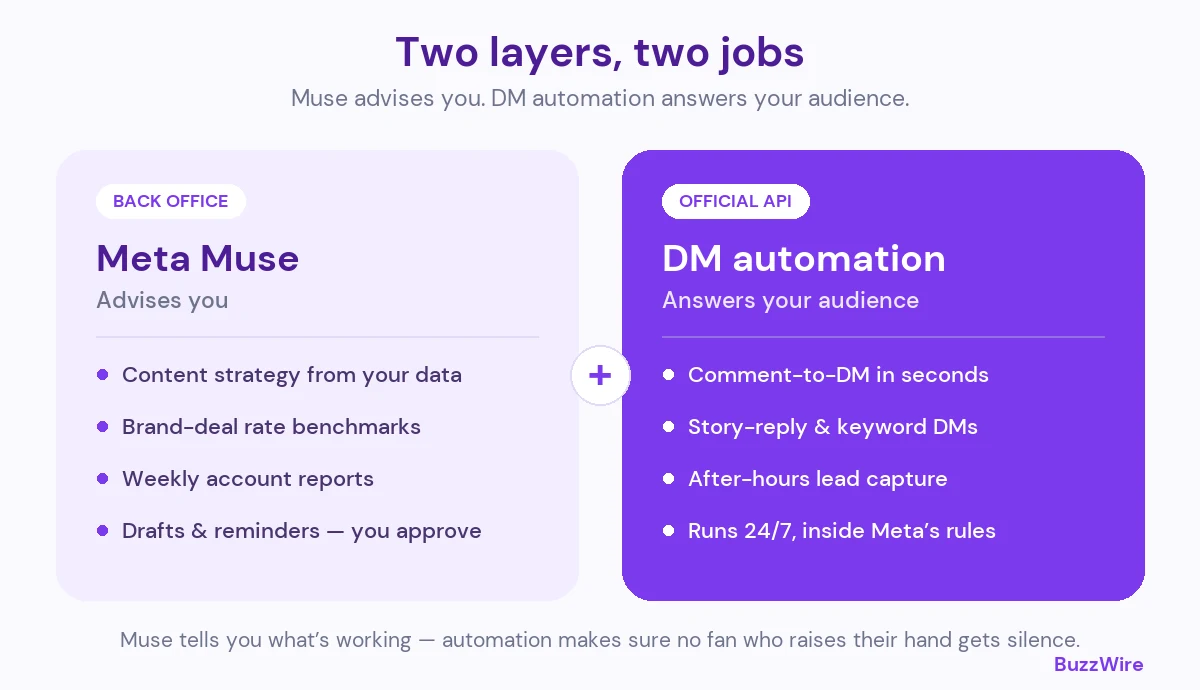
A concrete week with both: Monday, you ask Muse for a content plan and which brand offers to take. Overnight, a fan comments "GUIDE" on your Reel and BuzzWire's comment-to-DM sends the link in seconds through the official API — while you sleep. Friday, Muse summarizes what the week did. An analyst and a front desk, each doing the job the other can't.
And the durable point: even if Muse later ships sending, the front-desk job still needs a Tech Provider on the official API — always-on, rate-safe, logged, and bound by professional-account rules. That's the part that doesn't get absorbed by a back-office agent.
Who carries the outcome: accountability
One line from Meta's own guidance deserves attention: an AI-generated action that violates Instagram's rules could result in consequences for the account (via Social Samosa). Meta's answer is approval workflows — you can require Muse to ask before acting.
This is the same principle that separates compliant DM automation from the grey-market kind: whoever acts on your account, you carry the outcome. It's why automation through Instagram's official API — where every message type, rate and window is defined by Meta — is the defensible route, and why we built BuzzWire as a Verified Meta Tech Provider on that API rather than around it. (Verified Meta Tech Provider is a Meta business and API-access verification, not a product endorsement; BuzzWire is not endorsed by or affiliated with Meta or Instagram.) The arrival of Muse doesn't change that calculus; it extends it. As agents multiply, the accounts that thrive will be the ones whose tools operate inside the rules by construction.
How Muse handles your data
Meta built visible privacy controls into Muse, and they're worth knowing before you connect an account (Axios, Meta Help Center):
- Each user runs in an isolated Muse Secure VM — a dedicated, sandboxed cloud environment with its own browser.
- Conversations and data in that VM are not shared with Meta's advertising systems.
- The opt-out from using your interactions to train Meta's models is on by default at launch.
- Stored credentials are used without the agent seeing your passwords or card numbers, and a supervisory layer flags sensitive actions before they run.
Meta has also said a Confidential VM — encrypted under a key only you hold — is planned for late 2026.
FAQ
Is Meta Muse free for Instagram creators?
The Muse app is free to start, with weekly usage limits, and Meta offers paid tiers for higher access. Meta hasn't detailed pricing specific to the Instagram creator features. The app is available in the US and Canada.
Can Meta Muse reply to my DMs and comments?
Not in anything Meta has announced. Muse advises the creator — strategy, brand-deal benchmarks, reports — and can draft messages elsewhere with your approval, but it doesn't send replies to your audience on Instagram. Audience-facing replies still run through Instagram's official messaging API and the tools built on it.
Is Meta Muse available in India?
No. As of 29 September 2026, Muse is limited to adults in the US and Canada, and Meta hasn't announced when — or whether — India or other markets will get access.
How old do you have to be to use Muse?
You must be at least 18 to use Muse. It launched as an adults-only product in the US and Canada.
Which accounts can use Muse on Instagram?
Meta hasn't published formal eligibility criteria beyond the region and age limits. Where available, you add it through the "+ Add your Muse" option on your profile.
Does Muse share my Instagram data with Meta's ads, or train on it?
Meta says data inside the Muse Secure VM isn't shared with its advertising systems, and the opt-out from model training is on by default. You can review and change these controls in Muse's settings.
Will using Muse get my account in trouble?
Meta itself notes that an AI action violating Instagram's rules could have consequences for the account, and offers approval workflows so Muse asks before acting. As with any tool acting on your account, the safest setup is one where you approve actions and the tool operates within Instagram's published rules.
Is Muse the same as Meta AI in Instagram search?
No. Meta AI is the chat assistant answering questions inside Instagram. Muse is an agent you attach to your account that can analyze it and complete tasks on your behalf.
Can Muse and a DM automation tool run at the same time?
Yes. They operate on different layers — Muse advises you from the back office; DM automation answers your audience through the official API — so they run side by side without conflict.
Update log
- 29 September 2026 — First published. Muse is live in the US and Canada (18+), runs on Muse Spark 1.3, and its Instagram creator features are strategy, brand-deal benchmarking, reports and reminders. No fan-facing comment or DM replies have been shown. India and most markets are not yet supported. We'll update this section as Meta ships changes.
Sources: Social Media Today · TechCrunch · Axios · Meta Help Center · Digit · Analytics Insight · Social Samosa. Facts as of 29 September 2026; Muse's feature set is evolving — we'll update this page as Meta ships changes.