Instagram AI features in 2026: the complete list
Every Instagram AI feature in 2026, dated and sourced: Meta AI in DMs, Reels translation, Edits Assistant, Restyle, Your Algorithm, AI labels and age checks.
On this page
- Instagram AI features at a glance
- 1. Meta AI in DMs and search
- 2. Reels translation and dubbing
- 3. Edits Assistant
- 4. Restyle in Stories
- 5. AI effects in Stories (Muse Image)
- 6. Your Algorithm
- 7. AI labels and the AI-generated profile label
- 8. AI age detection for teens
- 9. Business Agent for brands
- What closed: AI Studio characters
- How should creators use Instagram's AI?
- A tip for creators and brands
- FAQ
- What AI features does Instagram have in 2026?
- Is Instagram's AI translation free?
- What is Edits Assistant?
- Can Instagram's AI reply to my DMs?
- Can I turn off AI on Instagram?
In short:
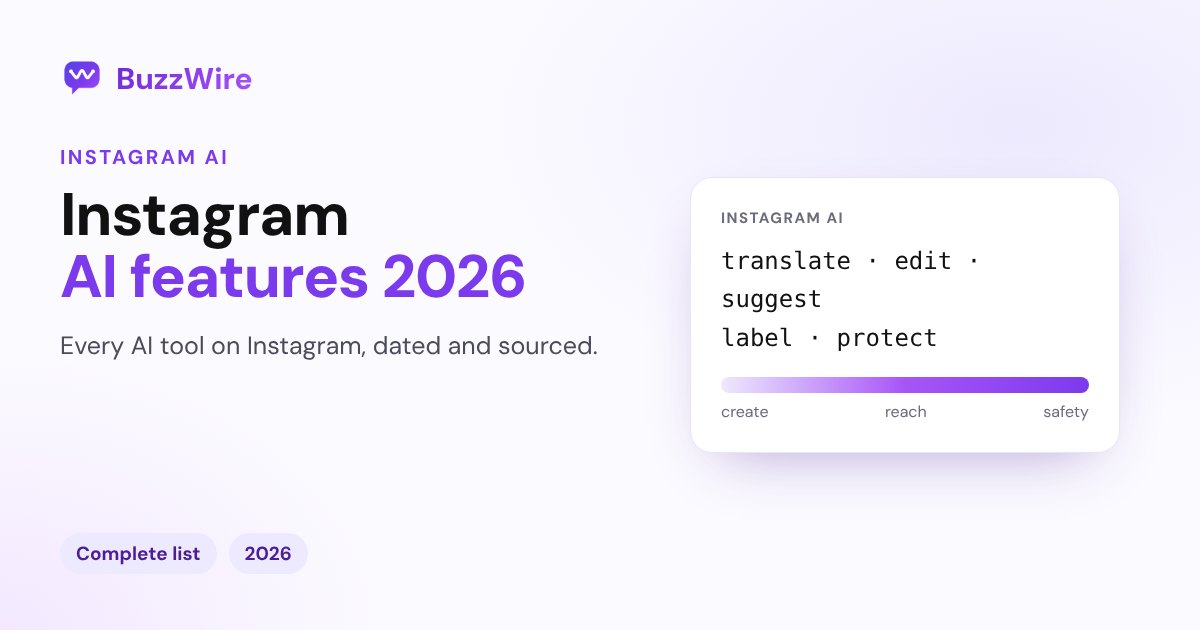
- Instagram's AI falls into five groups: create (Edits Assistant, AI Stories effects), edit (Restyle), reach (Reels translation), control (Your Algorithm, AI labels) and safety (AI age checks).
- The biggest one for creators is Reels translation and dubbing: free for public accounts where Meta AI is available, in 14 languages, with optional lip sync.
- Edits Assistant (October 2026) suggests video ideas, hooks, captions and audio from your account's data.
- Meta AI sits in your DMs and search, running on Meta's Muse Spark model since May 2026.
- Some features are US-only or region-limited, and AI Studio closed to new characters in August 2026.
Every feature below links to Meta's announcement or a dated news report, checked 13 Nov 2026. For a deeper look at the assistant itself, read Meta AI on Instagram.
Instagram AI features at a glance
| Feature | What it does | Who gets it | Since |
|---|---|---|---|
| Meta AI in DMs and search | Chat, answer questions, create and edit images | Where Meta AI is available | Muse Spark model: May 2026 |
| Reels translation and dubbing | Translates your Reel's voice, with optional lip sync | Public accounts where Meta AI is available | Oct 2025; 14 languages by Jul 2026 |
| Edits Assistant | Suggests ideas, hooks, captions, scripts and audio | Edits app; daily limit on free use | Oct 2026 |
| Restyle in Stories | Edits Story photos and videos with prompts or presets | Stories | Oct 2025 |
| AI Stories effects (Muse Image) | 30+ AI effects for Stories | US | Jul 2026 |
| Your Algorithm | Shows and lets you adjust the topics shaping your Reels | Reels | Dec 2025 |
| AI labels | "AI info", "Translated with Meta AI", "AI-generated profile" | Everyone | AI-generated profile: Aug 2026 |
| AI age detection | Moves teens who entered an adult age into Teen Accounts | Expanding worldwide | Nov 2026 |
| Business Agent | AI customer service for businesses | Expanding to Instagram | Jun 2026 |
1. Meta AI in DMs and search
Meta AI is Meta's assistant inside Instagram. Open it from the search bar or your Messages, chat with it, mention it in group chats, and ask it to create or edit images. In May 2026 Meta said its newer model, Muse Spark, "is starting to bring the same intelligence to Meta AI" across its apps (Meta, 12 May 2026).
- Best for: quick answers, caption ideas, image edits.
- Good to know: it doesn't reply to your followers' DMs for you. For that, creators use keyword automation.
2. Reels translation and dubbing
Meta AI can translate the voice in your Reel into another language, with optional lip sync. Each translated Reel is labeled "Translated with Meta AI", and viewers can choose "Don't translate".
- Who: free for public Instagram accounts in countries where Meta AI is available.
- Languages: English, Spanish, Hindi and Portuguese at launch in October 2025; Bengali, Tamil, Telugu, Marathi and Kannada in January 2026; French, German, Italian, Japanese and Korean in July 2026 (Meta).
- Tip: speak clearly and keep music low under your voice.
3. Edits Assistant
Edits Assistant is an AI helper in Instagram's Edits video app. It looks at your account's metrics and trends and suggests video concepts, hooks, captions, scripts and audio. It's free with a daily prompt limit, with more use through a Meta One subscription (PetaPixel, 1 Oct 2026).
- Best for: beating a blank page when planning Reels.
- Good to know: the suggestions are a starting point; your own original footage is what Instagram recommends most.
4. Restyle in Stories
Restyle lets you change a Story photo or video with a text prompt or a preset, such as changing the background or adding an effect. Instagram added it in October 2025 (9to5Mac, 23 Oct 2025).
- Best for: quick, playful Story edits.
5. AI effects in Stories (Muse Image)
In July 2026 Meta launched a new image model, Muse Image, with "more than 30 new AI-powered effects for Instagram Stories", available in Stories in the US (Meta AI blog, 7 Jul 2026).
6. Your Algorithm
Your Algorithm shows the topics Instagram thinks you like in Reels and lets you add or remove them. Instagram added it in December 2025 (TechCrunch, 10 Dec 2025). For creators, it's a reminder that clear topics help the right viewers find you. More in our guide to the Instagram algorithm.
7. AI labels and the AI-generated profile label
Instagram labels AI content in three ways:
- "AI info" on posts with AI-generated content.
- "Translated with Meta AI" on translated Reels.
- "AI-generated profile": since 31 August 2026, Instagram asks accounts that feature an AI-generated person to turn this label on, and says it will "limit the reach" of those that don't (Instagram creators blog).
8. AI age detection for teens
Instagram uses AI to find teens who entered an adult birthday and move them into Teen Account protections. Meta announced a worldwide expansion on 9 November 2026, after earlier rollouts in the US, UK, Canada, Australia, Brazil and the EU. Signals include birthday posts and references to school grades; Meta says it doesn't use facial recognition (Dexerto, 11 Nov 2026).
9. Business Agent for brands
On 3 June 2026 Meta said its Business Agent answers questions, recommends products from a catalog, books appointments and qualifies leads, and that it's "expanding Business Agent to Instagram" (Meta).
What closed: AI Studio characters
AI Studio let creators build an AI version of themselves to answer fans. On 10 August 2026 Meta said people "will no longer be able to create new AI characters or edit existing ones" in AI Studio; existing characters keep running (Meta).
How should creators use Instagram's AI?
- Translate your best Reels to reach viewers in other languages.
- Use Edits Assistant for ideas, then film original footage.
- Label AI content honestly, so you don't lose reach.
- Don't hand your DMs to a chatbot you can't control. Keyword automation answers the questions you choose, with the messages you write.
A tip for creators and brands
AI can help you make the post; the comments still need answers. BuzzWire's comment-to-DM automation sends your link to everyone who comments your keyword, in your own words, free on the official API. Compare it with AI chat tools in our Instagram chatbot guide.
FAQ
What AI features does Instagram have in 2026?
Meta AI in DMs and search, Reels translation and dubbing, Edits Assistant, Restyle and AI effects in Stories, Your Algorithm, AI labels, AI age detection for teens, and Business Agent for brands.
Is Instagram's AI translation free?
Yes. Meta says Reels translation is free for public Instagram accounts in countries where Meta AI is available. It covers 14 languages on Instagram as of July 2026.
What is Edits Assistant?
An AI helper in Instagram's Edits app, launched in October 2026. It suggests video ideas, hooks, captions, scripts and audio based on your account's data. Free use has a daily limit.
Can Instagram's AI reply to my DMs?
Meta AI doesn't reply to your followers for you. Businesses can use Meta's Business Agent as it expands to Instagram, or keyword automation tools that send the messages you write.
Can I turn off AI on Instagram?
You can't remove Meta AI from the app, but you can choose not to use it, mute its chat, and turn off translations as a viewer with "Don't translate". Details in Meta AI on Instagram.
Let AI help with the content, and let automation handle the comments. Start free on BuzzWire.