"We suspect automated behavior on your account" on Instagram: what it means and what to do
Got "We suspect automated behavior on your account" on Instagram? Why it appears, the 8 steps to take now, how long it lasts, and how to keep it from coming back.
On this page
- What does "We suspect automated behavior on your account" mean?
- Why does Instagram think I'm a bot?
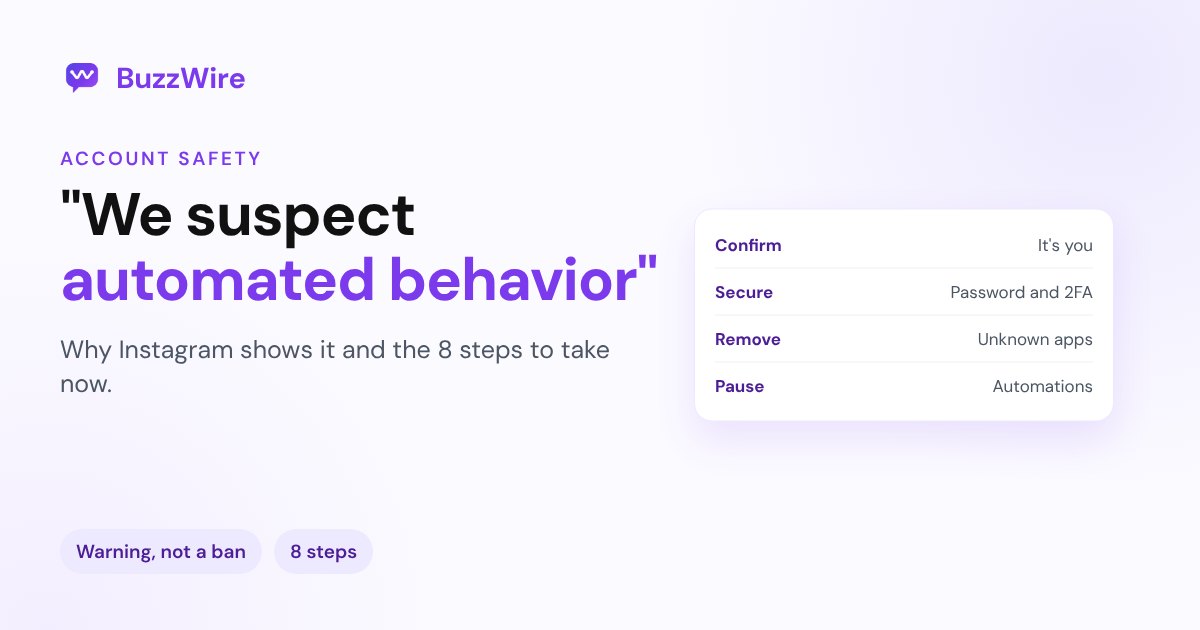
- What to do right now: 8 steps
- How long does it last?
- Can DM automation cause this warning?
- How to keep it from coming back
- FAQ
- Will I get banned for "We suspect automated behavior"?
- How do I get rid of "We suspect automated behavior on your account"?
- Why does Instagram think I'm automated when I'm not?
- Is it safe to use comment-to-DM tools?
- How long does the automated behavior restriction last?
Sources: Instagram's Help Center on accounts restricted for data scraping, accounts at risk, message limits and Account Status; Instagram's post on account status and outages. Checked 21 Nov 2026.
What does "We suspect automated behavior on your account" mean?
It means Instagram's systems matched recent activity on your account to a pattern they associate with bots or unofficial apps. The notice usually asks you to confirm the account is yours and suggests securing it. Some people can keep using Instagram normally; others find that following, liking, commenting or messaging is limited for a while.
It's related to, but not the same as:
- "Try again later. We restrict certain activity", which is the block itself when you try an action. See "Try again later".
- A suspended or disabled account, which is far more serious. See Instagram account suspended.
Why does Instagram think I'm a bot?
| Trigger | Why it looks automated |
|---|---|
| An app that has your password | Instagram can restrict accounts when automated access happens "without our permission," or when you gave your password to an app "such as apps that offer likes or followers." |
| Bursts of the same action | Following, unfollowing or liking many accounts in a short time is the pattern people report most. |
| Identical comments or DMs | Posting the same comment again and again, or sending the same message to many people, looks like spam. |
| Two automation tools at once | Two tools answering the same comment double your messages without you noticing. |
| A new device, location or VPN | Logins Instagram doesn't recognize add to the risk score, especially with sudden activity. |
| A shared login | Several people logging in from different places at the same time. |
Instagram also warns that an account "synced with an unauthorised third-party app" can be at risk.
What to do right now: 8 steps
- Confirm it's you. Follow the steps in the notice. Don't ignore it.
- Change your password. This logs you out of every other device, including anything you don't recognize.
- Turn on two-factor authentication in Accounts Center → Password and security.
- Remove apps you don't recognize. Check Settings → Apps and websites, and remove anything that asked for your password or sells likes or followers.
- Pause your automations. Then make sure only one tool is connected, and that it uses Meta's official login rather than your password.
- Check Account Status. Profile → Menu → below More info and support → Account Status. Instagram says it shows "when some features on your account may be restricted," and you can request a review there.
- Slow down. For a few days, write your own comments and messages, and avoid bursts of follows and likes.
- Don't keep retrying blocked actions. Instagram doesn't publish a timeline, and retrying tends to extend the limit.
How long does it last?
Instagram doesn't say. The notice itself can go away once you confirm the account is yours. If an action is limited, Account Status shows it, and many people find limits lift within days when they go quiet. If the warning keeps coming back, something is still running: look again at connected apps and tools.
Can DM automation cause this warning?
It depends on how the tool connects.
- Password-based apps (growth bots, auto-like or auto-follow services, tools that ask you to type your Instagram password) are the kind of access Instagram's data scraping article describes.
- Tools built on Meta's official Instagram API work differently: you log in through Instagram, the tool never sees your password, and messages follow Meta's rules, such as one private reply per comment within 7 days and replies only after someone interacts with you.
Even with an official tool, keep messages varied and only reply to people who asked. Our Instagram DM rules 2026 and is Instagram DM automation safe? cover the details.
How to keep it from coming back
- Use one automation tool, connected through Meta's official login.
- Vary your DMs. Message variation (different wording for the same reply) keeps a busy post from sending hundreds of identical messages.
- Reply only to people who engaged: a comment keyword, a story reply or a DM. Never message people who didn't interact.
- Don't buy followers or likes, and don't give your password to any app.
- Keep two-factor authentication on.
BuzzWire connects through Meta's official API with Instagram Login, sends within Instagram's limits, and varies the wording of each DM, so your account stays safe while your posts get busy.
FAQ
Will I get banned for "We suspect automated behavior"?
The notice itself is a warning, not a ban. Accounts are usually disabled only after repeated or serious violations. Secure your account, remove unauthorized apps and slow down, and check Account Status for any limits.
How do I get rid of "We suspect automated behavior on your account"?
Confirm the account is yours in the notice, change your password, turn on two-factor authentication, remove apps you don't recognize and pause automations. If an action is limited, wait it out and request a review in Account Status if you think it's a mistake.
Why does Instagram think I'm automated when I'm not?
Fast, repetitive actions can look automated even when you do them by hand, such as following many accounts in a few minutes or pasting the same comment. A login from a new device or VPN can add to it.
Is it safe to use comment-to-DM tools?
Tools built on Meta's official API, which log in through Instagram and follow Meta's messaging rules, are designed for this. Avoid any app that asks for your Instagram password.
How long does the automated behavior restriction last?
Instagram doesn't publish a length. Many people report limits lifting within a few days of normal use. Account Status shows what's limited on your account.
Cite this article
Quoting or referencing this page? Copy the citation or the link.
Vimal, R. (2026, November 21). "We Suspect Automated Behavior on Your Account": Instagram Fix. BuzzWire. https://buzzwire.io/blog/instagram-suspect-automated-behavior
<a href="https://buzzwire.io/blog/instagram-suspect-automated-behavior">"We Suspect Automated Behavior on Your Account": Instagram Fix</a> (BuzzWire)