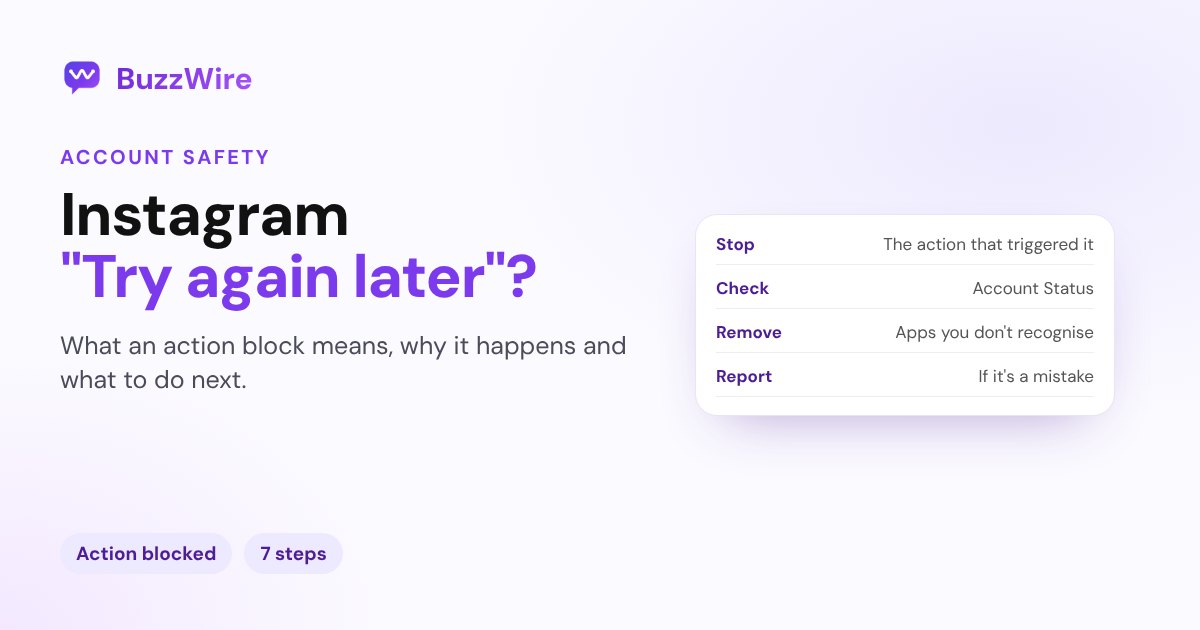
Instagram account suspended: why it happens and how to appeal
Instagram account suspended or disabled? What the notice means, the common reasons, how to disagree with the decision before the deadline, and what to avoid.
On this page
- What does "Instagram account suspended" mean?
- Why was my Instagram account suspended?
- How do I appeal an Instagram suspension?
- What if my account is restricted, not suspended?
- Why can't I log in, but there's no suspension notice?
- How do you avoid a suspension?
- A tip for creators and brands
- FAQ
- How long does an Instagram suspension last?
- What does "You have 180 days to disagree" mean?
- Can a suspended Instagram account be recovered?
- Why was my Instagram account suspended for no reason?
- Can I make a new account while I'm suspended?
In short:
- A suspended account is one Instagram has disabled, usually for not following its Community Standards or Terms of Use. You'll see a notice when you try to log in.
- If you think it's a mistake, appeal from that notice. Meta's business help says to tap Disagree with the decision, and that you have 30 days after the suspension, "or your account will be permanently disabled". Always go by the deadline shown on your own notice.
- Common causes: repeated content removals, an account made to get around a restriction, a misrepresented identity, giving your password to a third-party app, or someone else getting into your account.
- No suspension notice when you log in? It may be a login problem, a hacked account or a deleted account instead.
- Never pay anyone who promises to unban you. The only appeal route is inside Instagram.
Sources: Instagram's Help Center pages on disabled accounts, Account Status and accounts restricted for data scraping; Meta's business messaging restrictions help; and Meta's Transparency Center on disabling accounts (updated 17 Jul 2025). Checked 13 Nov 2026.
What does "Instagram account suspended" mean?
Instagram's Help Center calls it a disabled account; the notice in the app often says suspended. Either way, Instagram has taken the account down, and "your account will no longer be visible to others once it's been disabled."
| What you see when you log in | What it means | What to do |
|---|---|---|
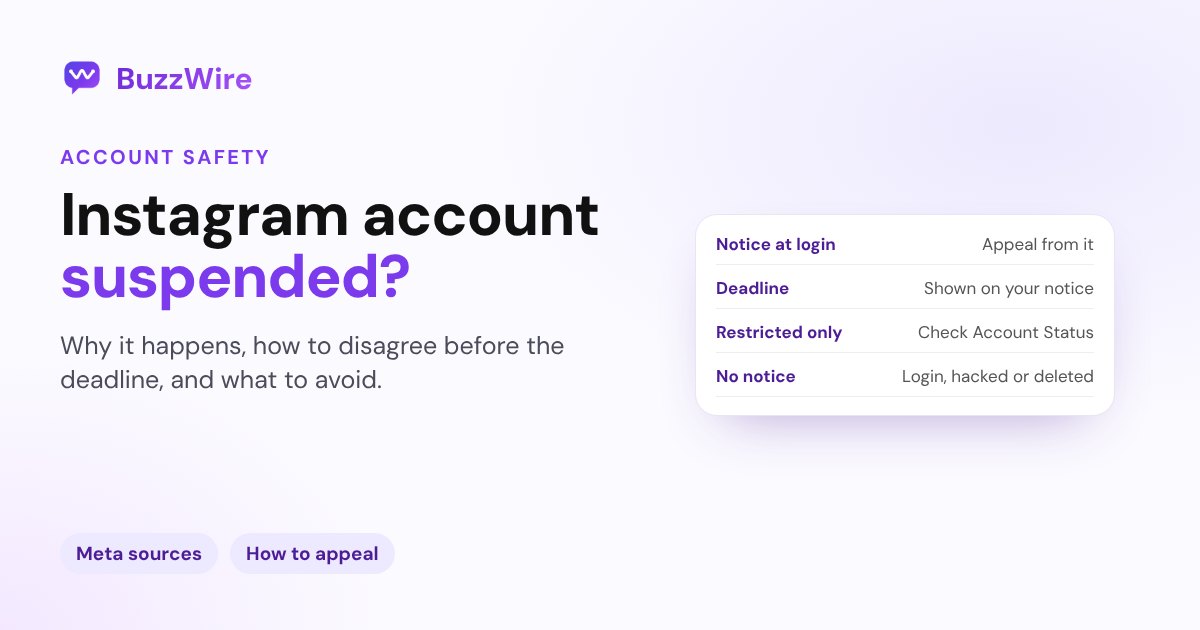
| A notice that your account is suspended or disabled | Instagram took the account down | Appeal from the notice before the deadline |
| A warning, but you can still use the app | Content was removed or a feature is limited | Check Account Status |
| No notice, you just can't log in | A login problem, a hacked account or a deleted account | Use Instagram's login or hacked-account help |
Why was my Instagram account suspended?
Meta's Transparency Center lists the main reasons Instagram disables accounts:
- Repeated violations. After repeated warnings and restrictions for content that goes against the Community Standards, Meta disables the account. Instagram says that "in most cases, you'll get a warning before losing access".
- One severe violation. Some violations are serious enough to disable an account the first time.
- Getting around a restriction with a new account, or misrepresenting your identity.
- Engaging with seriously violating content or communities, such as liking or saving it, for the most severe policy areas.
Instagram's Help Center adds a cause that matters for creators and businesses. Accounts can be restricted for data scraping, including when:
- you gave your username and password to a third-party app or website, "such as apps that offer likes or followers on Instagram"
- you used an app or service to interact with Instagram "in unauthorised ways"
In some regions, Instagram may also disable accounts for people in a specific age range to follow local law.
How do I appeal an Instagram suspension?
- Log in to Instagram. The suspension notice appears there.
- Tap Disagree with the decision and follow the on-screen steps. Instagram's Help Center says you "may be able to ask us to review the decision by logging in to Instagram and following the on-screen instructions."
- Act before the deadline. Meta's business help says you have 30 days after the suspension to disagree, "or your account will be permanently disabled." Your notice shows the deadline for your account; use that date.
- Complete any checks Instagram asks for, such as confirming it's you.
- Keep it factual. If you appeal in writing, say what the account is for and why you believe the decision is a mistake.
Meta says it lets you know "whether you can request another review if you believe that we've made a mistake." When a review finds content did follow the Community Standards, Meta says it restores the content and removes the strike.
What if my account is restricted, not suspended?
If you can still log in, open Account Status: your profile → Menu → below More info and support, tap Account Status. There you can see:
- Removed content: posts, stories or comments taken down for going against the Community Standards
- Features you can't use: limits on your account, with a way to resolve or appeal them
- Request a review: if you think a removal was a mistake
Acting on these early is the best way to avoid a suspension later.
Why can't I log in, but there's no suspension notice?
Instagram lists three other causes:
- A login issue: use the login help or "Forgot password?"
- Someone else got into your account: follow Instagram's hacked-account steps.
- The account was deleted by you or someone with your password. Instagram says a deleted account can't be restored; you can make a new account with the same email, but you may not get the same username.
How do you avoid a suspension?
- Know the rules: read Instagram's Community Standards and Terms of Use.
- Never give your password to another app. Tools on Meta's official API connect through Instagram's own login instead.
- Don't use apps that sell likes or followers.
- Secure the account: a strong, unique password, two-factor authentication, and remove any third-party apps you don't recognise.
- Check Account Status now and then, and fix warnings while they're small.
A tip for creators and brands
Automation itself isn't the issue; how it connects is. BuzzWire connects through Meta's official Instagram API with Instagram Login, so it never asks for your password, and it sends one private reply per comment, within Instagram's limits. Read is Instagram DM automation safe? and our Instagram DM limits reference before you automate anything.
FAQ
How long does an Instagram suspension last?
A suspension lasts until a review restores the account or the deadline passes. Meta's business help says you have 30 days after the suspension to disagree, or the account will be permanently disabled. Check the deadline on your own notice.
What does "You have 180 days to disagree" mean?
It's the deadline on your suspension notice for disagreeing with the decision. Instagram doesn't publish one window for every case, so use the date your notice shows and appeal well before it.
Can a suspended Instagram account be recovered?
Yes, if a review finds Instagram made a mistake. Appeal from the notice by tapping Disagree with the decision and following the on-screen steps. A deleted account, by contrast, can't be restored.
Why was my Instagram account suspended for no reason?
Instagram usually acts on content removals, attempts to get around a restriction, identity issues, or activity from third-party apps you've given your password to. If none apply, appeal: Meta says it reviews decisions people believe are mistakes.
Can I make a new account while I'm suspended?
Meta says it disables accounts created to get around its restrictions. Appeal the original account instead of opening a new one.
Automate the right way, through Meta's official API. Start free on BuzzWire with no password sharing.