What does Repost mean on Instagram?
Repost on Instagram shares someone's public reel or post with your followers and saves it to a Reposts tab. How to repost, undo it and turn reposts off.
On this page
- What does Repost mean on Instagram?
- How to repost on Instagram
- How to undo a repost
- How to stop people reposting your content
- Repost vs Collab vs sharing to your story
- A tip for creators and brands
- FAQ
- What does Repost mean on Instagram?
- Where do my reposts show up?
- Can I repost a repost on Instagram?
- Can I stop people from reposting my posts?
- What happens when someone comments on my repost?
In short:
- A repost shares someone else's public reel or post with your followers, without copying it to your grid.
- Your reposts collect in a dedicated Reposts tab on your profile.
- You can add a short note, and comments on your repost reach you as DMs.
- Only original content can be reposted: you can't repost a repost.
- Creators can switch reposts of their content off in Sharing and reuse.
Everything below comes from Instagram's Help Center page Repost a reel or a post on Instagram, checked 5 Nov 2026. Instagram notes the feature "may not be available to everyone."
What does Repost mean on Instagram?
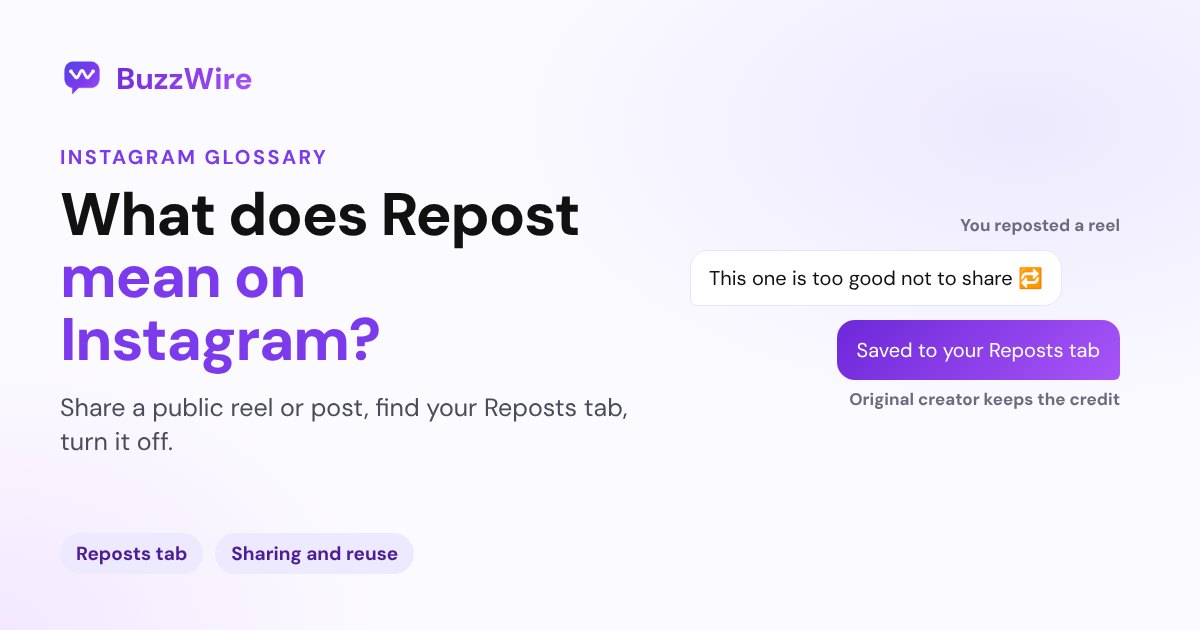
Reposting is Instagram's built-in way to pass a post along. Instagram says: "You can repost public reels or posts on Instagram. When you repost, your followers may see that you reposted in their feeds, and reposts will appear in a dedicated repost tab on your profile."
The original creator stays the creator. Your repost points to their post; it isn't a copy under your name.
How to repost on Instagram
- Find a public reel or post you want to share.
- Tap Repost.
- To add a note, tap the bubble by your profile picture at the bottom left and type your text.
- Tap Save.
A few rules from Instagram:
- Only public reels and posts can be reposted, and only if the creator allows reposts.
- "Only content posted by the original creator can be reposted. You cannot repost a repost."
- Other people can comment on your repost, and "these comments will appear as direct messages to you."
How to undo a repost
Tap Repost again on the reel or post you reposted. To clean up several at once, go to Profile → Menu → Your activity → Reposts, select them and tap Delete.
How to stop people reposting your content
Go to Profile → Menu → Sharing and reuse (under How others can interact with you) and turn off Reposts on posts and reels. To report a repost, long-press the profile picture on it and tap Report.
Repost vs Collab vs sharing to your story
| Repost | Collab | Share to story | |
|---|---|---|---|
| Who made it | Someone else | You and a co-author | Anyone |
| Where it lives | Your Reposts tab | Both profile grids | Your story, for 24 hours |
| Needs the creator's OK | Yes, reposts must be allowed | Yes, they accept the invite | Depends on their settings |
More on co-authored posts in what Collab means on Instagram, and on building on someone's reel in what Remix means.
A tip for creators and brands
Reposts spread your post to other people's followers, so make it worth acting on wherever it lands. Put the call to action in the post itself, like "Comment GUIDE for the free checklist", not only in your bio. When someone new comments your keyword on the original, they can get your link by DM automatically with comment-to-DM.
FAQ
What does Repost mean on Instagram?
Reposting shares someone else's public reel or post with your followers. Your followers may see it in their feeds, and it's saved in a dedicated Reposts tab on your profile. The original creator keeps the credit, and you can add a short note to your repost.
Where do my reposts show up?
In a dedicated Reposts tab on your profile. Your followers may also see that you reposted something when they come across it in their feeds. To manage them all, go to Menu → Your activity → Reposts.
Can I repost a repost on Instagram?
No. Instagram says only content posted by the original creator can be reposted, so you can't repost a repost. Go to the original post and repost that instead, if the creator allows reposts.
Can I stop people from reposting my posts?
Yes. Go to Profile → Menu → Sharing and reuse and turn off Reposts on posts and reels. People then can't repost your reels or posts.
What happens when someone comments on my repost?
Instagram sends those comments to you as direct messages. Check your Messages to see and reply to them.
Get more from every post people share. Start free on BuzzWire and DM your link to everyone who comments your keyword.