What does "Someone you might know is on Instagram" mean?
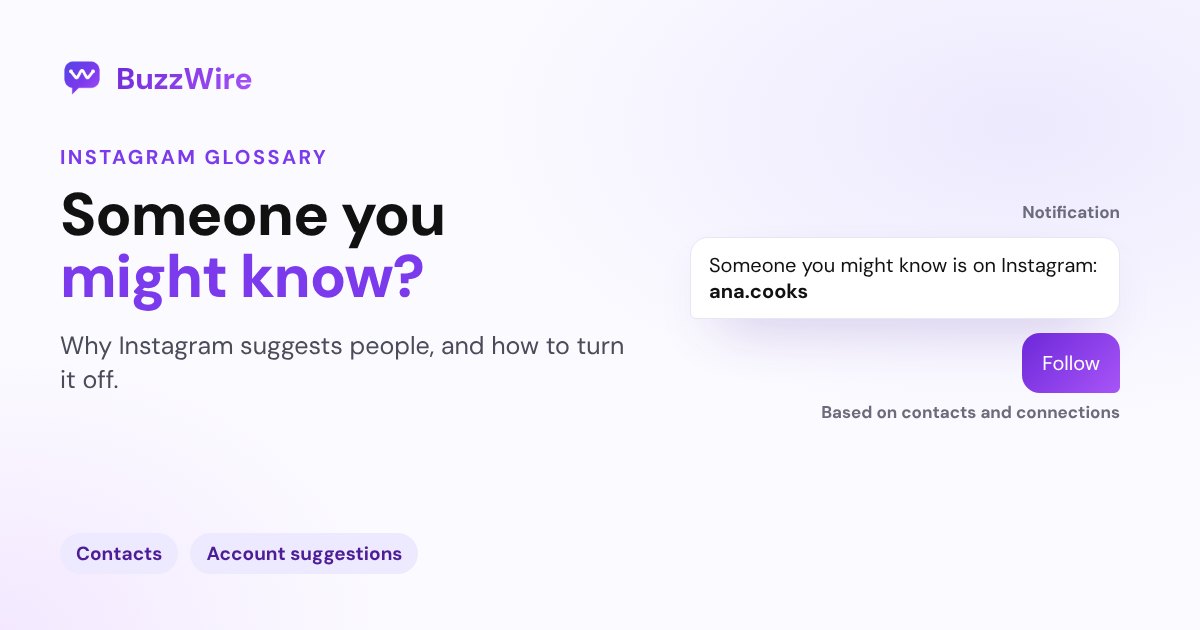
That notification means Instagram matched someone through your contacts or connections. Why it happens, what it doesn't mean, and how to turn it off.
On this page
- What does "Someone you might know is on Instagram" mean?
- Why does Instagram think I know them?
- Does the other person know?
- How to turn off "Someone you might know" notifications
- How to stop Instagram using your contacts
- How to stop your account being suggested on profiles
- A tip for creators and brands
- FAQ
- What does "Someone you might know is on Instagram" mean?
- Does it mean they looked at my profile?
- Why does Instagram suggest people I haven't talked to in years?
- How do I stop these notifications?
- Can I stop my account from being suggested to others?
In short:
- It's an account suggestion: Instagram thinks you know this person and is suggesting you follow them.
- The most common source is contact syncing: your phone's contacts, or theirs, include a matching phone number or email.
- Instagram says that when you confirm your phone number or email, your account "may be recommended to users who have your contact information."
- It doesn't mean the person looked at your profile.
- You can switch these notifications off under Notifications → Following and followers → Account suggestions.
Everything below comes from Instagram's Help Center pages on finding people you know, connecting your contacts and account suggestions on your profile, checked 5 Nov 2026.
What does "Someone you might know is on Instagram" mean?
It's Instagram recommending an account to follow. Instagram says it uses your contacts "to help you connect with people you know, recommend things you care about and offer you a better service," and that "You'll receive these recommendations from Instagram as notifications on your phone or in your feed."
You'll often see it right after someone new joins, or after you or they sync contacts. Tap the notification and then Follow if you want to follow them, or simply ignore it.
Why does Instagram think I know them?
Contacts are the clearest reason Instagram documents, and they work in both directions:
- Your contacts: if you've connected your phone's contact list, Instagram recommends accounts based on it. Your list "is periodically synced and securely stored" on Instagram's servers.
- Their contacts: if your phone number or email is saved in someone else's phone and they synced contacts, Instagram says your account "may be recommended to users who have your contact information in their device's contact list."
That second point surprises people. You can be suggested to someone, or they to you, even if you've never synced your own contacts, because their contact list did the matching.
Does the other person know?
The notification is a suggestion sent to you. Instagram's Help Center doesn't say that the other person is told you received it, and it doesn't mean they visited your profile or searched for you.
How to turn off "Someone you might know" notifications
- Go to your profile and tap Menu.
- Tap Notifications, then Following and followers.
- Under Account suggestions, choose Off.
This stops the notifications. Suggestions can still appear elsewhere in the app.
How to stop Instagram using your contacts
- Stop syncing: turn off contact syncing in your device settings and on every device logged in to Instagram, or Instagram will upload your contacts again at the next sync.
- Delete synced contacts: you can remove them from a computer. Instagram says deletion "may take up to 90 days," and it may still make recommendations based on your contacts during that time.
How to stop your account being suggested on profiles
On a computer or mobile browser, go to your profile, click Edit profile and turn off Show account suggestions on profiles. Instagram notes the trade-off: "you won't appear as a suggestion on someone else's profile either."
A tip for creators and brands
For creators, being suggested is free reach, so think twice before switching it off. Each suggestion is a chance for someone to land on your profile, so make the first screen count: a clear bio, a pinned post with your best offer, and a keyword people can comment to get your link by DM. More on how Instagram suggests accounts in what Suggested for you means.
FAQ
What does "Someone you might know is on Instagram" mean?
It's a notification suggesting an account you may want to follow. Instagram usually bases it on contact information: your synced contacts, or someone else's synced contacts that include your phone number or email. It's a recommendation from Instagram, not a message from that person.
Does it mean they looked at my profile?
No. The notification is Instagram's suggestion to you. Its Help Center doesn't say it's triggered by profile visits or searches, and Instagram doesn't tell people who views their profile.
Why does Instagram suggest people I haven't talked to in years?
Because the match usually comes from saved contact details, not recent contact. If your number or email is still in someone's phone and they synced their contacts, Instagram may suggest your accounts to each other.
How do I stop these notifications?
Go to Profile → Menu → Notifications → Following and followers and set Account suggestions to Off. To stop Instagram using your contacts, also turn off contact syncing on your devices and delete your synced contacts from a computer.
Can I stop my account from being suggested to others?
Partly. On a computer or mobile browser, turn off Show account suggestions on profiles in Edit profile, so you stop appearing as a suggestion on other people's profiles. Contact-based suggestions depend on whether your phone number or email is confirmed on Instagram and saved in other people's contacts.
Turn new followers into conversations. Start free on BuzzWire and DM your link to everyone who comments your keyword.