What does Feed mean on Instagram?
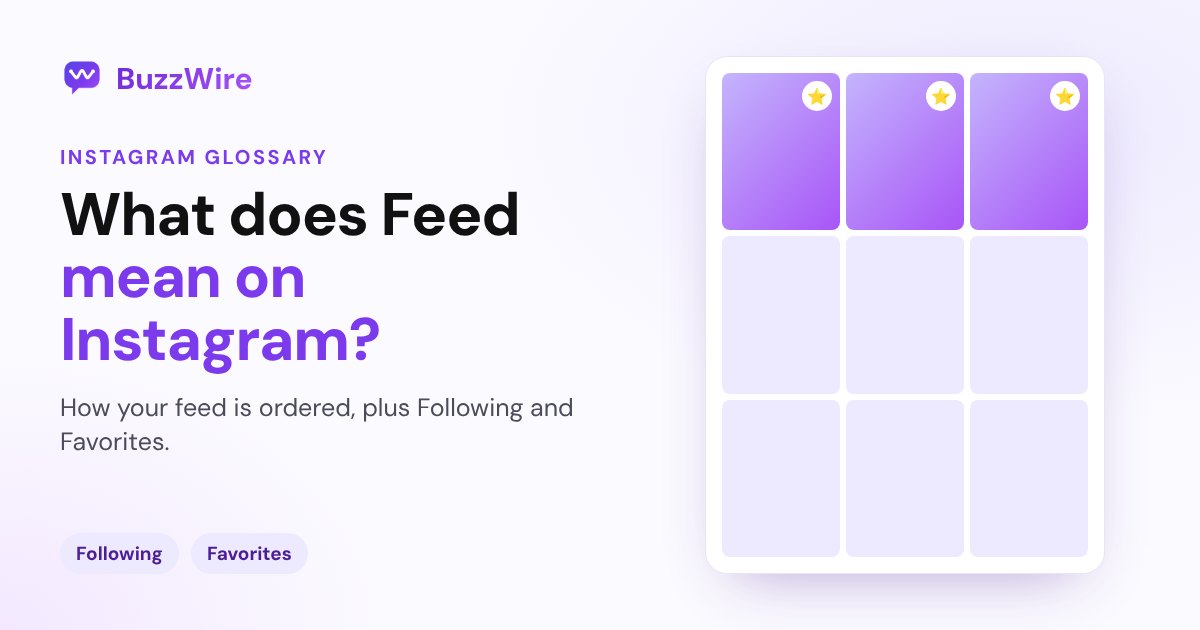
Your Instagram feed is the home screen of posts from accounts you follow, plus suggestions. How it's ordered, and how to switch to Following or Favorites.
On this page
- What does Feed mean on Instagram?
- How is the Instagram feed ordered?
- How to see only people you follow
- How to use Favorites
- How to see fewer suggested posts
- Feed vs Following vs Favorites
- A tip for creators and brands
- FAQ
- What does Feed mean on Instagram?
- Is the Instagram feed chronological?
- What does "posting to your feed" mean?
- Does removing someone from Favorites unfollow them?
- How do I stop seeing suggested posts in my feed?
In short:
- Your feed is the main scroll you see when you open Instagram: posts and reels from accounts you follow, plus suggestions.
- By default it's ranked, not chronological. The posts Instagram predicts are most relevant to you show near the top.
- Following shows only accounts you follow, newest first.
- Favorites moves the accounts you pick higher in your feed.
- "Posting to your feed" means sharing a post to your profile, as opposed to a story.
Everything below comes from Instagram's Help Center pages on how Feed works, the Following view, Favorites and hiding suggested posts, checked 5 Nov 2026.
What does Feed mean on Instagram?
The feed is Instagram's home screen. Instagram describes it as "a place where you can share and connect with the people and things that you care about." It mixes posts and reels from the accounts you follow with suggested accounts "that are relevant to your interests."
The word shows up in two ways:
- Your feed: what you scroll through.
- A feed post: a photo, carousel or video shared to your profile grid, as opposed to a story that expires after 24 hours.
How is the Instagram feed ordered?
It's ranked by relevance. Instagram says that when you "exit and reopen Instagram or refresh your feed, the photos and videos predicted to be most relevant to you will appear towards the top." That's why you sometimes see a post from yesterday above one from an hour ago.
How to see only people you follow
Tap Instagram in the top left of your feed, then tap Following. Instagram says this view shows posts from people you follow, with "newer posts at the top to older posts as you scroll down." It's the closest thing to the old chronological feed.
How to use Favorites
Favorites are accounts whose posts you want to see higher up.
- Tap Instagram at the top, then tap Favorites.
- Tap the Favorites list in the top right.
- Search for an account and tap Add account.
To take someone off, tap Remove next to their name. Instagram notes that removing people from your Favorites doesn't unfollow them. You can also tap Favorite above a post from one of your favorites to manage the list.
How to see fewer suggested posts
When a suggested post isn't for you, tap Options above it and choose Not interested. From there you can stop suggestions from that account, filter suggested posts by certain words, or tap Snooze to pause all suggested posts in your feed for 30 days. Here's more on what Suggested for you means.
Feed vs Following vs Favorites
| View | What you see | Order |
|---|---|---|
| Feed (home) | Accounts you follow plus suggestions | Ranked by predicted relevance |
| Following | Only accounts you follow | Newest first |
| Favorites | Only the accounts on your Favorites list | Shown higher in your feed |
A tip for creators and brands
Because the home feed is ranked, the same post reaches some followers today and others tomorrow. Give people a reason to act whenever they see it: a clear keyword in the caption ("Comment PLAN for the free guide") works on day one and day three. Our best time to post on Instagram guide covers when to publish.
FAQ
What does Feed mean on Instagram?
The feed is the main screen you scroll when you open Instagram. It shows posts and reels from accounts you follow, plus suggested accounts Instagram thinks match your interests, with the posts predicted to be most relevant to you near the top.
Is the Instagram feed chronological?
Not by default. The home feed is ranked by what Instagram predicts is most relevant to you. To see posts in time order, tap Instagram at the top left and choose Following, which shows accounts you follow with the newest posts first.
What does "posting to your feed" mean?
It means sharing a photo, carousel or video to your profile, where it stays on your grid and can appear in your followers' feeds. A story is different: it disappears after 24 hours unless you add it to a Highlight.
Does removing someone from Favorites unfollow them?
No. Instagram says removing people from your Favorites doesn't unfollow them. Their posts just stop getting the extra boost in your feed.
How do I stop seeing suggested posts in my feed?
Tap Options above a suggested post and choose Not interested. You can then hide suggestions from that account, filter certain words, or tap Snooze to pause all suggested posts in your feed for 30 days.
Make every feed post do more. Start free on BuzzWire and DM your link to everyone who comments your keyword.